
Stop doing the same job by hand every day.
Every business has work nobody enjoys but somebody has to do: copying an order from an email into a spreadsheet, preparing the same report every morning, filing invoices, moving data between two systems by hand. None of it is hard; it just repeats, and it eats time.
We hand that work to the computer. We use n8n for visual workflows, and terminal scripts and scheduled jobs for work that belongs on a machine. Automations can run on your own server or your own computer — your data doesn't have to leave.
Mallow Studio automates repetitive work with n8n workflows, terminal scripts (Bash/Python) and scheduled jobs: system-to-system data transfer, email and file processing, reporting, notifications and backups. Automations can be set up to run entirely on your own server or computer.
- Visual, maintainable workflows in n8n
- Terminal scripts and scheduled jobs
- Can run on your own server; we agree which services it connects to
- Alerts and logs when something fails
What we deliver
Process inventory
Which task repeats how often, how many minutes it takes and how automatable it is — worked out together.
Workflow setup
Visual flows in n8n: trigger, condition, transformation and target-system steps.
Scripts and scheduled jobs
Bash/Python scripts and cron scheduling for work that has to run on a machine.
Integration
Connections between email, spreadsheets, accounting, CRM, storage and messaging systems.
Error handling
Retries, alerts and logs on failed runs — no automation that breaks silently.
Handover and training
Documented flows, a tour of the dashboard and training so you can make small changes yourself.
Visual workflows, readable logic
Boxes and arrows, not hidden coden8n is a source-available, fair-code workflow tool that can be self-hosted. Every step from trigger to target sits on screen as a box, so you don't need to read code to see what happens. That makes the automation independent of us: your team can make small changes themselves.
- Trigger on new email, form, schedule or webhook
- Conditional branching and data transformation
- 400+ ready service connections
- Self-hostable on your own server
Automation that runs on the machine
Scripts, cron and file processingSome work belongs on a computer rather than in a cloud: renaming files in a folder, merging PDFs, taking backups, batch-converting images, generating a nightly report from a database. We write these as Bash and Python scripts and install them as scheduled jobs.
- Batch file, image and PDF processing
- Scheduled backups and reporting
- Logging and failure alerts
- Runs on your machine, no server needed
Work in this area
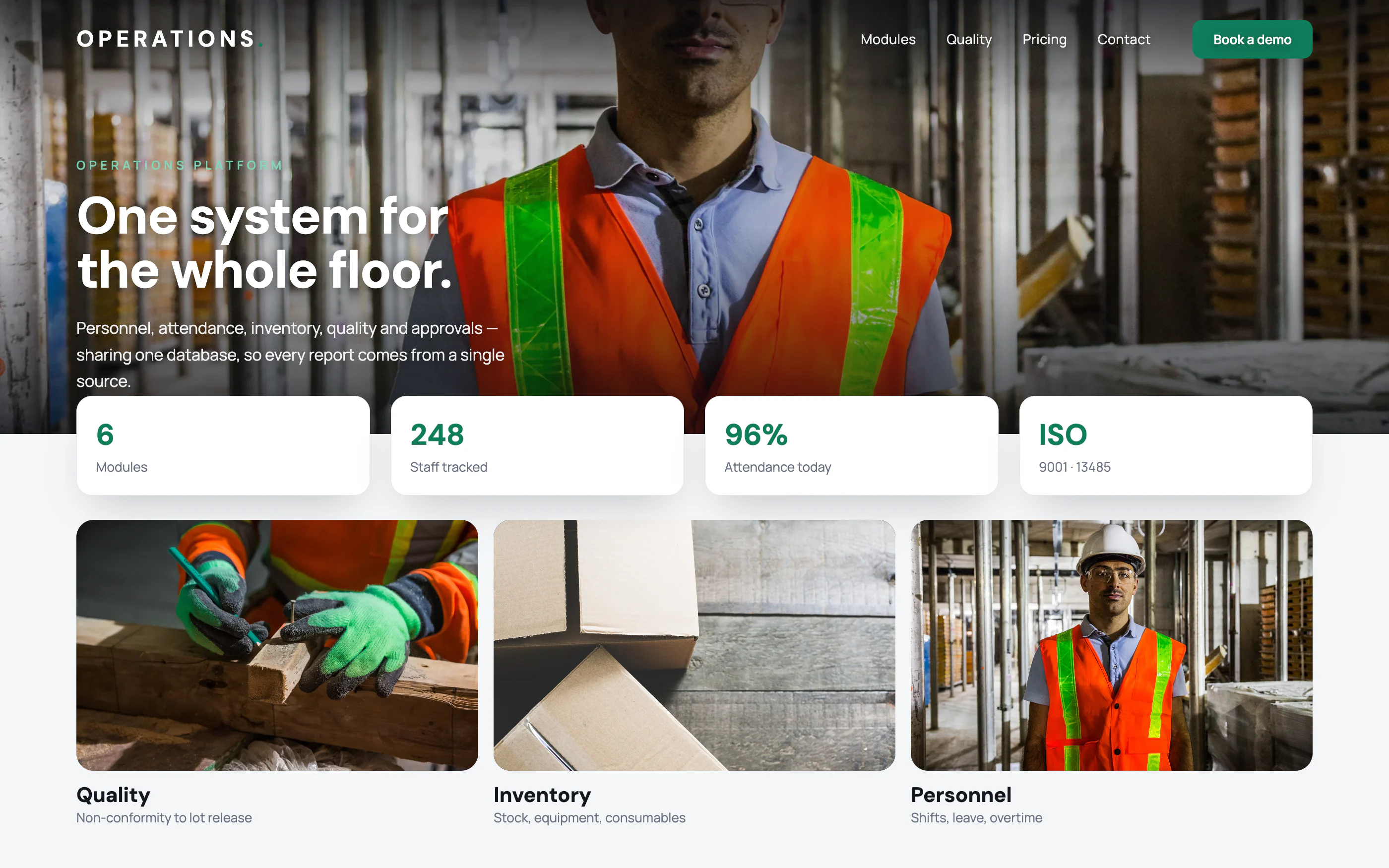
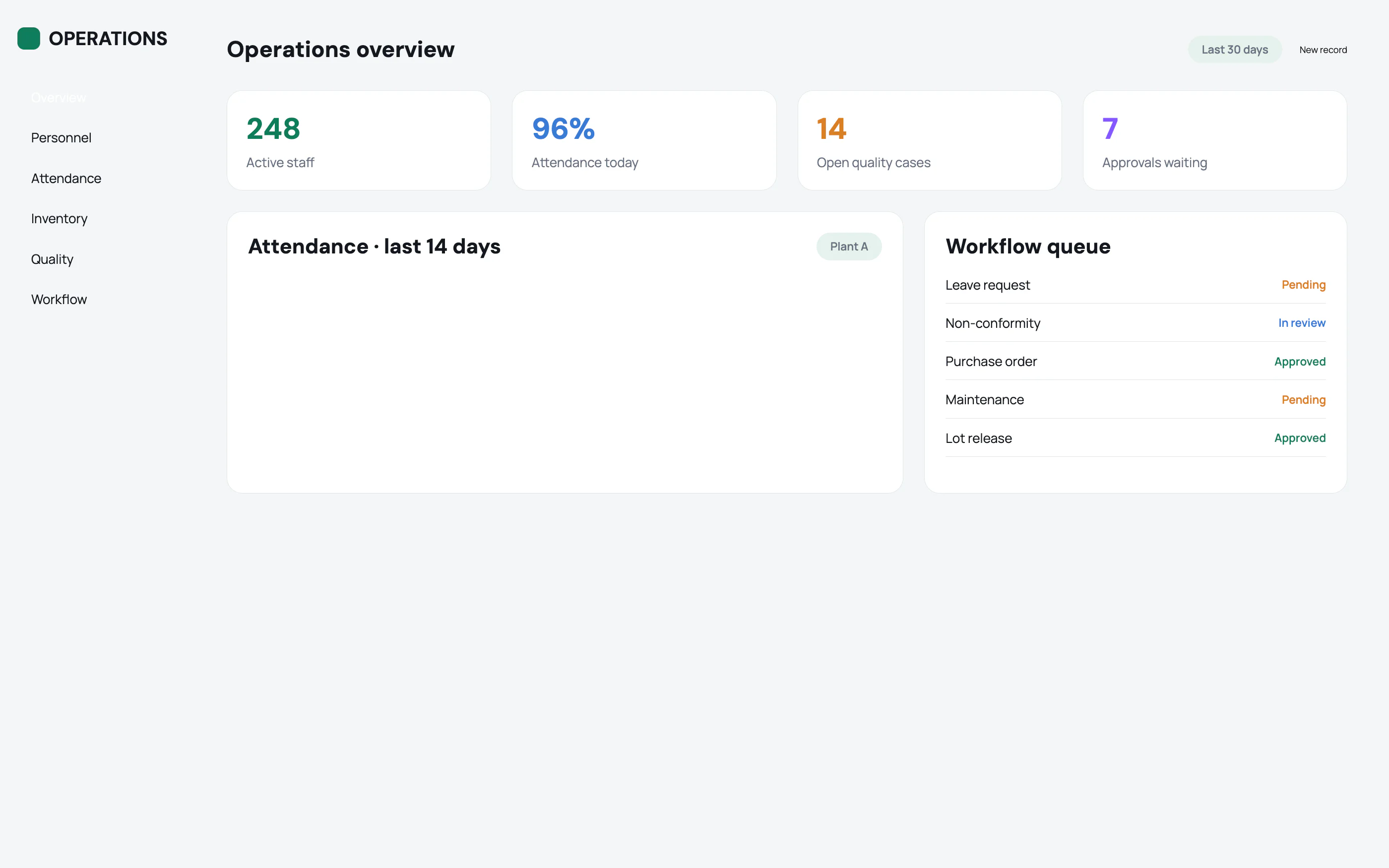 Studio product · ERP
Enterprise Operations Platform
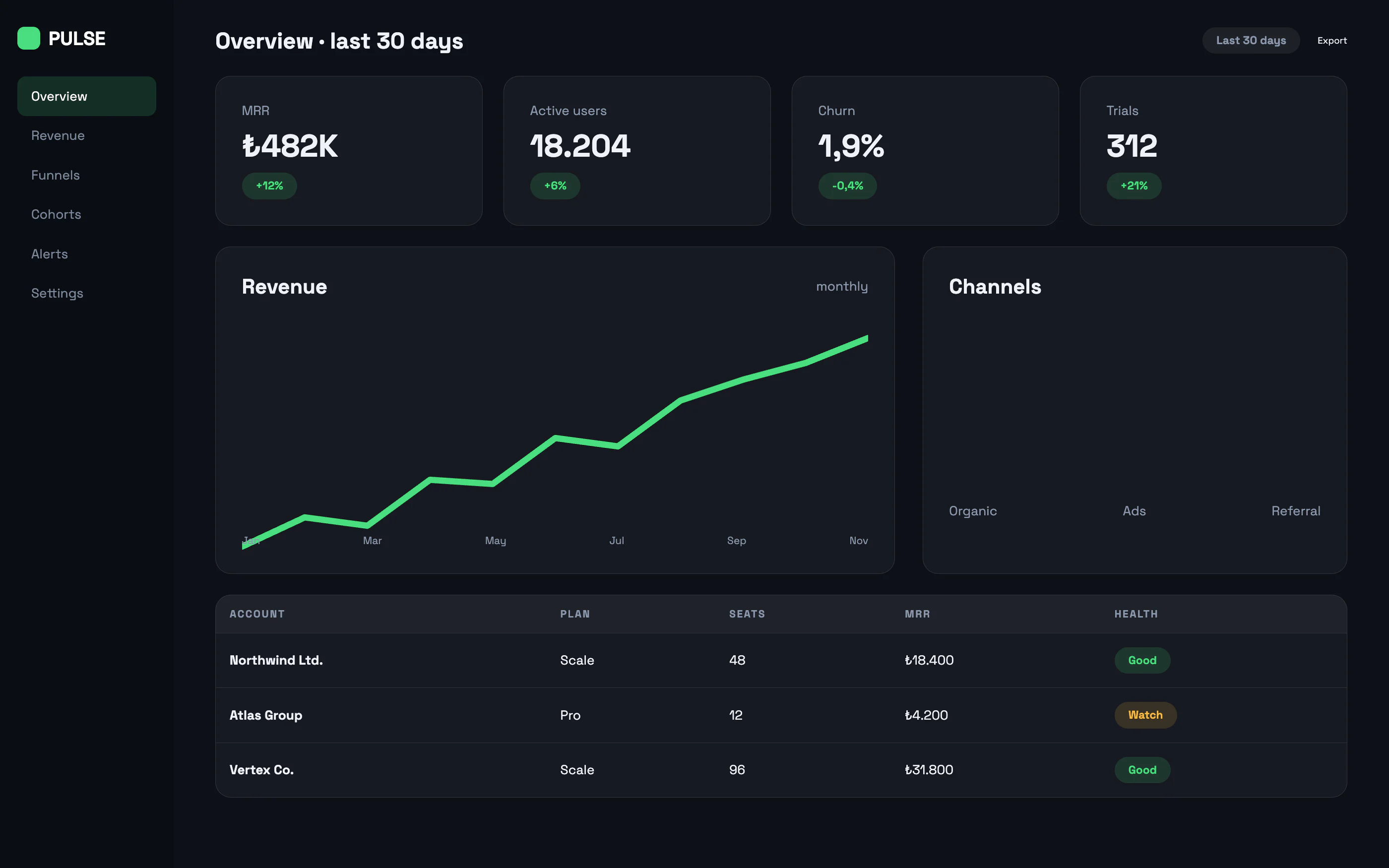 Web application · Concept design
SaaS Analytics Dashboard
 Our own product · Mobile + SaaS
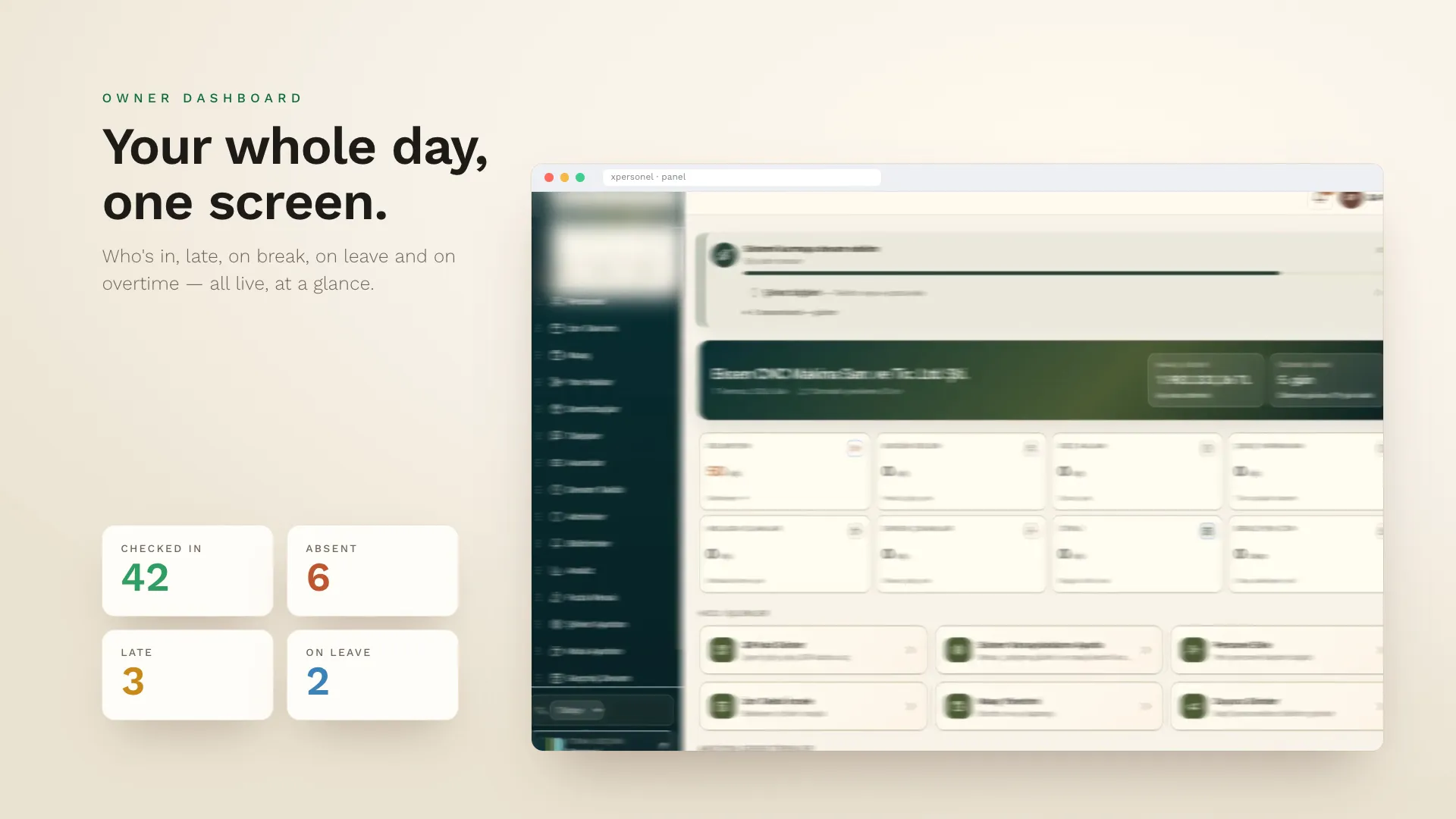
xPersonel
- n8n
- Bash
- Python
- cron / launchd
- Webhooks
- REST API
- Docker
- ffmpeg
Frequently asked questions
Which tasks are suitable for automation?
Work with clear rules that repeats often and whose results can be checked: data entry, file handling, reporting, sending notifications, moving data between systems. If the rules change every time and human judgement is needed, automation becomes partial — then we hand over only the repeating part.
What is n8n, and why do you use it?
n8n is a source-available, fair-code workflow automation tool — not open source in the strict sense. Flows are built visually, it can be self-hosted, and it doesn't charge per user. We review whether its licence fits your deployment together with you. Together that makes costs predictable and keeps your data with you.
Does our data leave our systems?
It doesn't have to. We can run n8n on your own server and scripts on your own computer. Data only goes to an outside service when connecting to one is the point (an email provider, say), and we put that in writing at the start of the project.
What happens if an automation breaks?
Every flow gets error catching, retries and alerts. If a run fails you get a message and it's logged. An automation that stops silently isn't an automation.
How long does setup take?
A single flow is usually running within a few days. Comprehensive setups connecting several systems spread over a few weeks. We suggest automating the single most time-consuming task first and measuring the result.
Can we change the automation ourselves later?
Yes — that's why we prefer n8n. Because flows are visual, you can make small changes (adding a field, changing a recipient) yourself after training.
Have an idea or a project? Get in touch!
We're here. Tell us about your idea and we'll show you how to bring it to life — the first call and the quote are free.