What is cloud computing? IaaS, PaaS and SaaS
Cloud computing means renting computing resources — servers, storage, software — over the internet instead of buying them. The widely used NIST definition describes five essential characteristics (on-demand self service, broad network access, resource pooling, rapid elasticity, measured service), three service models (IaaS, PaaS, SaaS) and four deployment models (private, community, public, hybrid). For most small and medium businesses the right start is managed PaaS or ready-made SaaS; running your own servers only makes sense when something specific requires it.
- Cloud means paying for use instead of owning hardware
- IaaS is the server, PaaS the runtime, SaaS the finished app
- Where data lives is a legal question as much as a technical one
- Costs grow with traffic, egress and redundancy
What is cloud computing?
Cloud computing is renting computing resources — servers, storage, databases, applications — from a provider over the internet instead of buying them and keeping them in a room. It is like plugging into the grid instead of running your own generator: you draw more when you need more, and the bill drops when you need less.
The most widely used definition comes from the US National Institute of Standards and Technology in SP 800-145, which describes the cloud through five essential characteristics, three service models and four deployment models.
The five essential characteristics
- On-demand self service: you can start a new server or database in minutes without asking anyone.
- Broad network access: the service works the same from a phone, a laptop, the office or the field.
- Resource pooling: the provider shares a large hardware pool across many customers.
- Rapid elasticity: capacity grows on campaign day and shrinks the day after.
- Measured service: CPU, memory, traffic and storage are metered, and the invoice follows the meter.
How do IaaS, PaaS and SaaS differ?
The difference is simply how much of the work you do and how much the provider does.
| Model | What you do | Example |
|---|---|---|
| IaaS (infrastructure) | Rent the machine; you run the operating system, updates and security | Virtual machines, block storage |
| PaaS (platform) | Deploy your app; the provider handles the OS and scaling | Managed app and database services |
| SaaS (software) | Install nothing; use a finished application | Email, accounting, CRM tools |
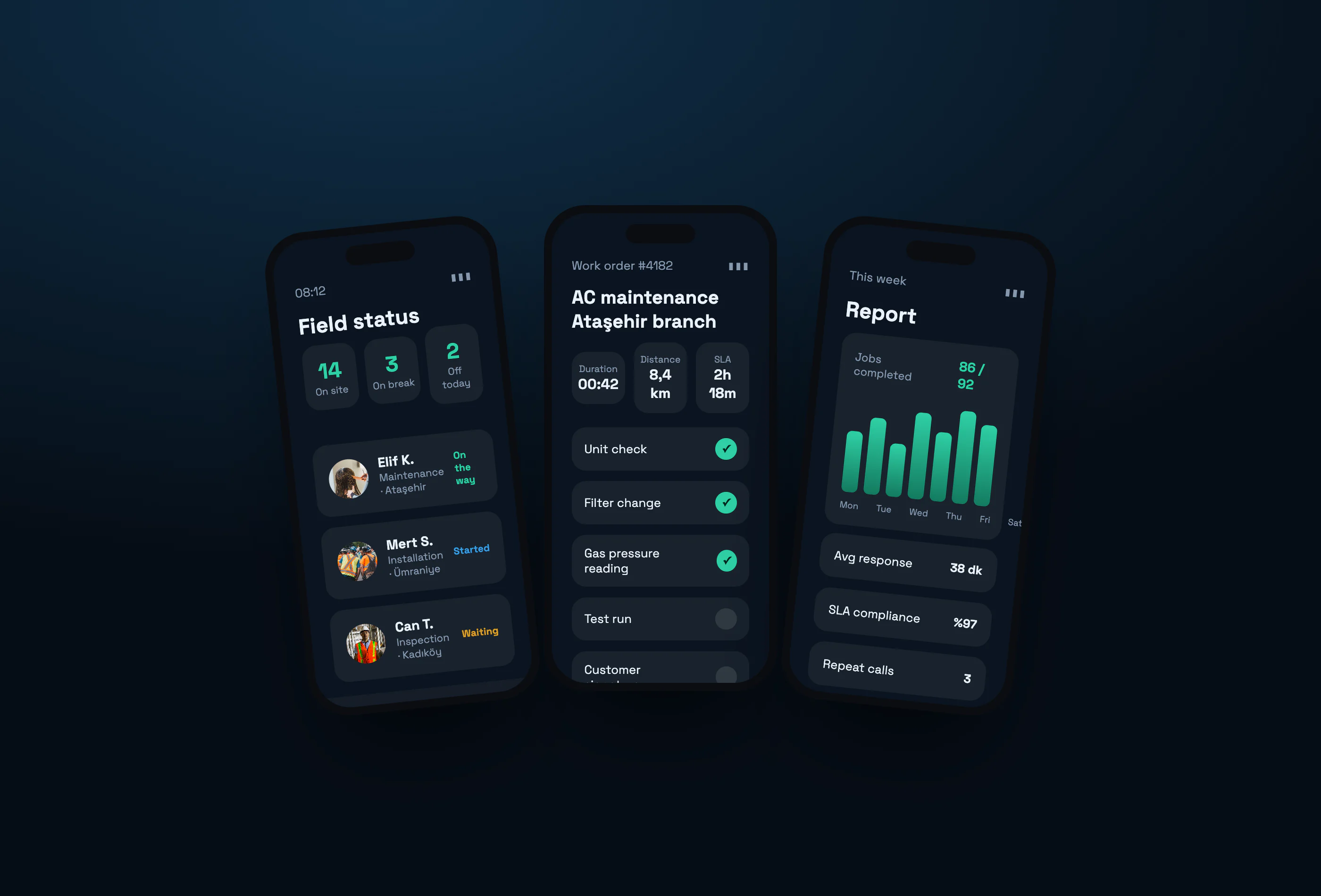
Our own product xPersonel is a SaaS example: a business does not set up a server, it opens an account and starts working.
Deployment models: public, private, hybrid
Public cloud is open to everyone and cheapest. Private cloud is dedicated to one organisation and preferred where data sensitivity is high. Community cloud is shared by organisations with common requirements. Hybrid combines them: sensitive data stays inside while the website and campaign traffic run outside.
Where does the data live? The legal side
Cloud is not only a technical decision. Running a system that processes personal data on servers abroad falls under cross-border transfer rules — in Türkiye, the Personal Data Protection Authority publishes a dedicated guide on it. Ask any provider which country the servers sit in and what safeguards the contract offers.
Is the cloud always cheaper?
No. It is cheaper to start: no hardware purchase, no waiting. But bills grow with traffic and data, especially egress and redundant setups. For a steady, predictable workload a rented physical server can be cheaper. The real question is not "cloud or not" but "which model is cheaper and needs less maintenance for this workload".
A practical path for a small business
- Static hosting or a managed platform is enough for your website and landing pages.
- Start panels, ERP and mobile back ends on a PaaS with a managed database.
- Buy ready-made SaaS for standard needs such as email, accounting and file sharing; don't build your own.
- Set up backups on day one and test a restore at least once for real.
The cloud doesn't remove the server room; it moves part of the responsibility to the provider. The rest — access rights, backups, updates — is still yours.
Sources
- NIST, The NIST Definition of Cloud Computing (SP 800-145)
- Wikipedia, Cloud computing
- Turkish Data Protection Authority, Guide on transferring personal data abroad
Frequently asked questions
Does the cloud mean handing my data to someone else?
The data sits on the provider's servers but belongs to you. What matters is that ownership, retention, deletion and export rights are written clearly into the contract.
Which model suits a small business?
Usually ready-made SaaS plus managed PaaS. Without a team to run servers, IaaS adds work you don't need.
What happens if the internet goes down?
Cloud apps need a connection. Field apps should be designed to work offline and sync when the connection returns.
Is the cloud secure?
Large providers run better physical and infrastructure security than most companies. The real risk is misconfiguration: storage left open and accounts with too many permissions.