
Games for Kids
Designing a game for children is a different job from designing an adult app: a user who can't read yet needs symbols instead of text, small fingers need huge targets, and every right move deserves an instant reward.
This page brings four games together. Each speaks to a different age and a different skill; what they share is an ad-free flow, a separate zone where parents stay in control, and levels short enough to finish in a break.
Four games, four experiences
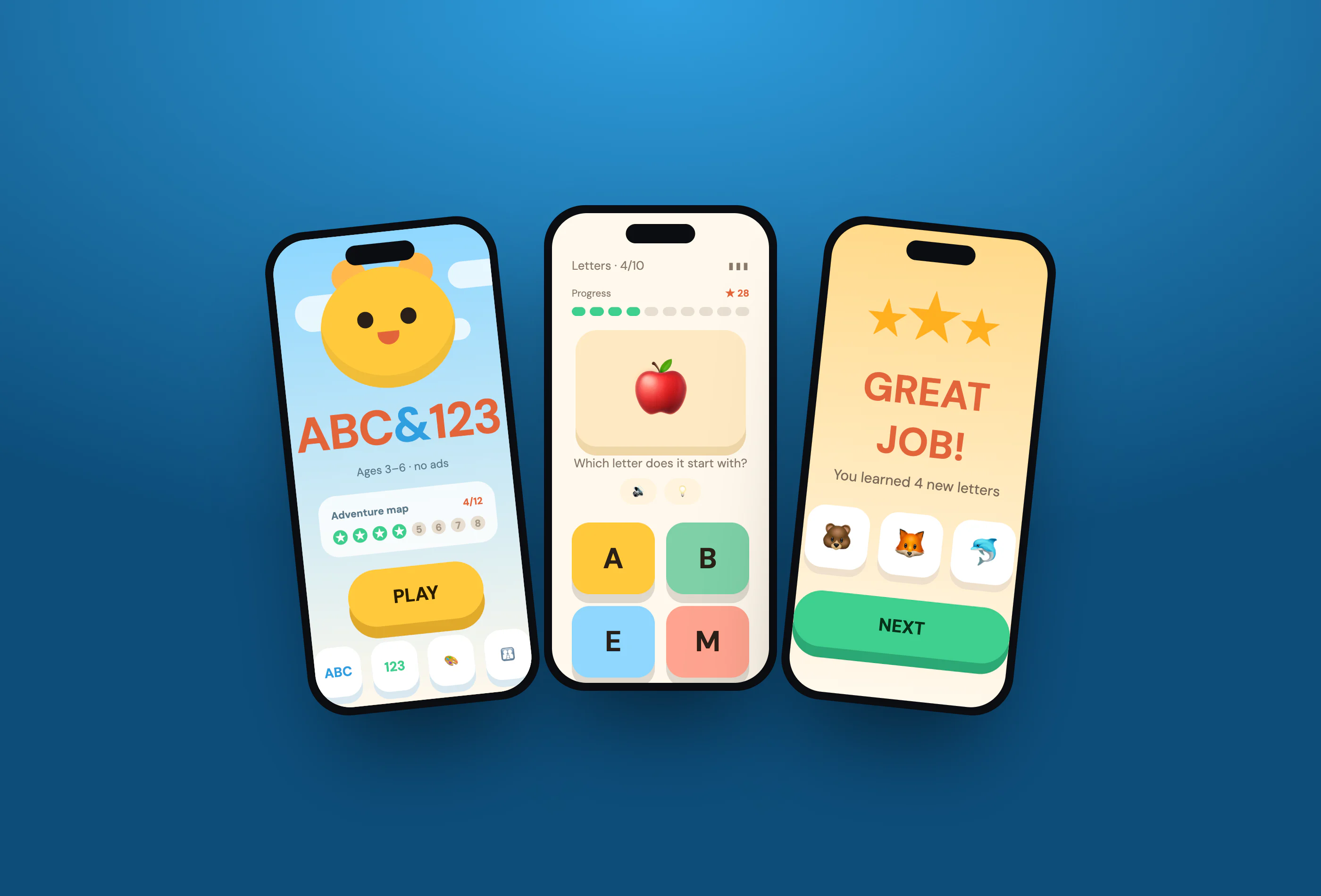
Kids Learning Game
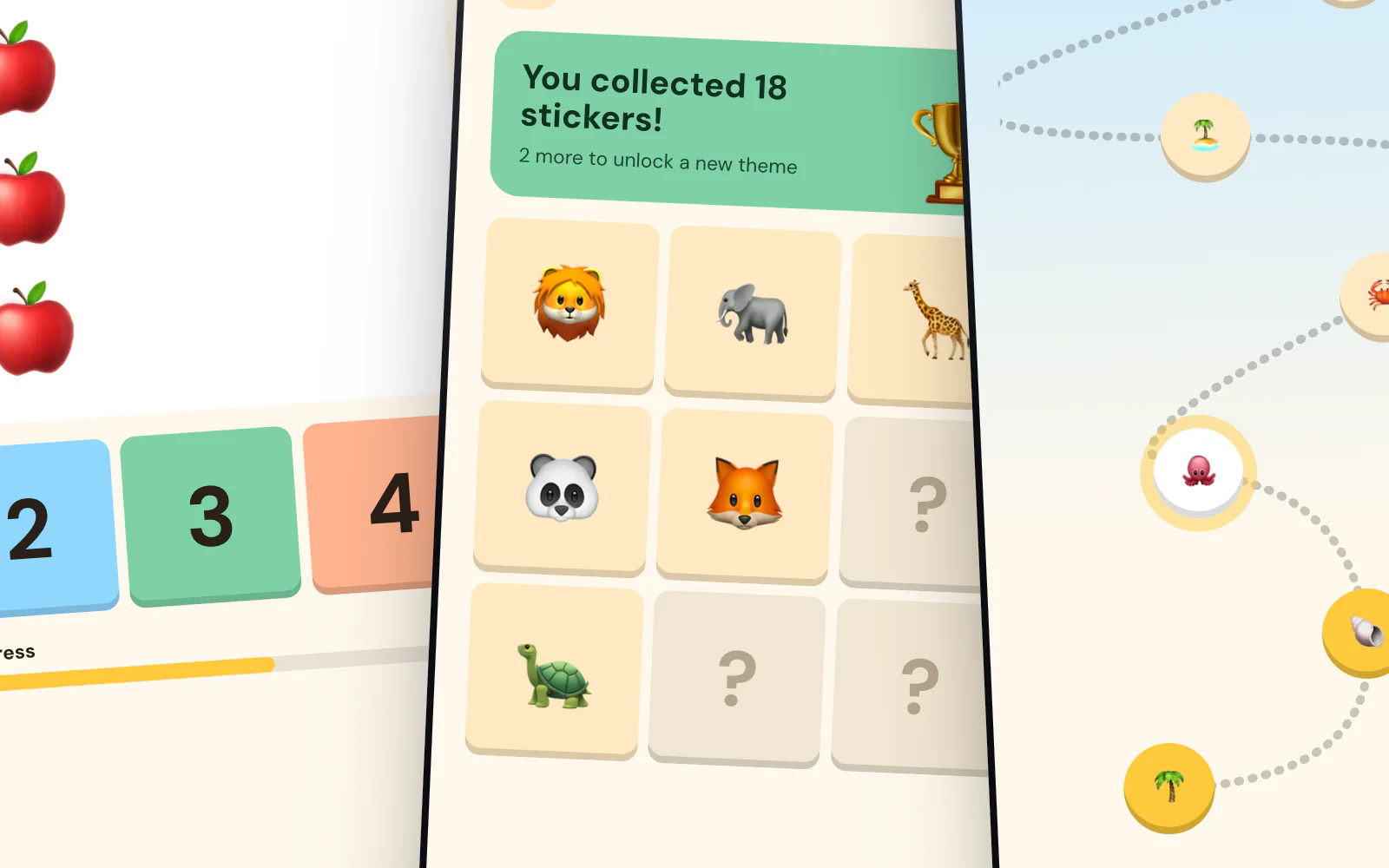
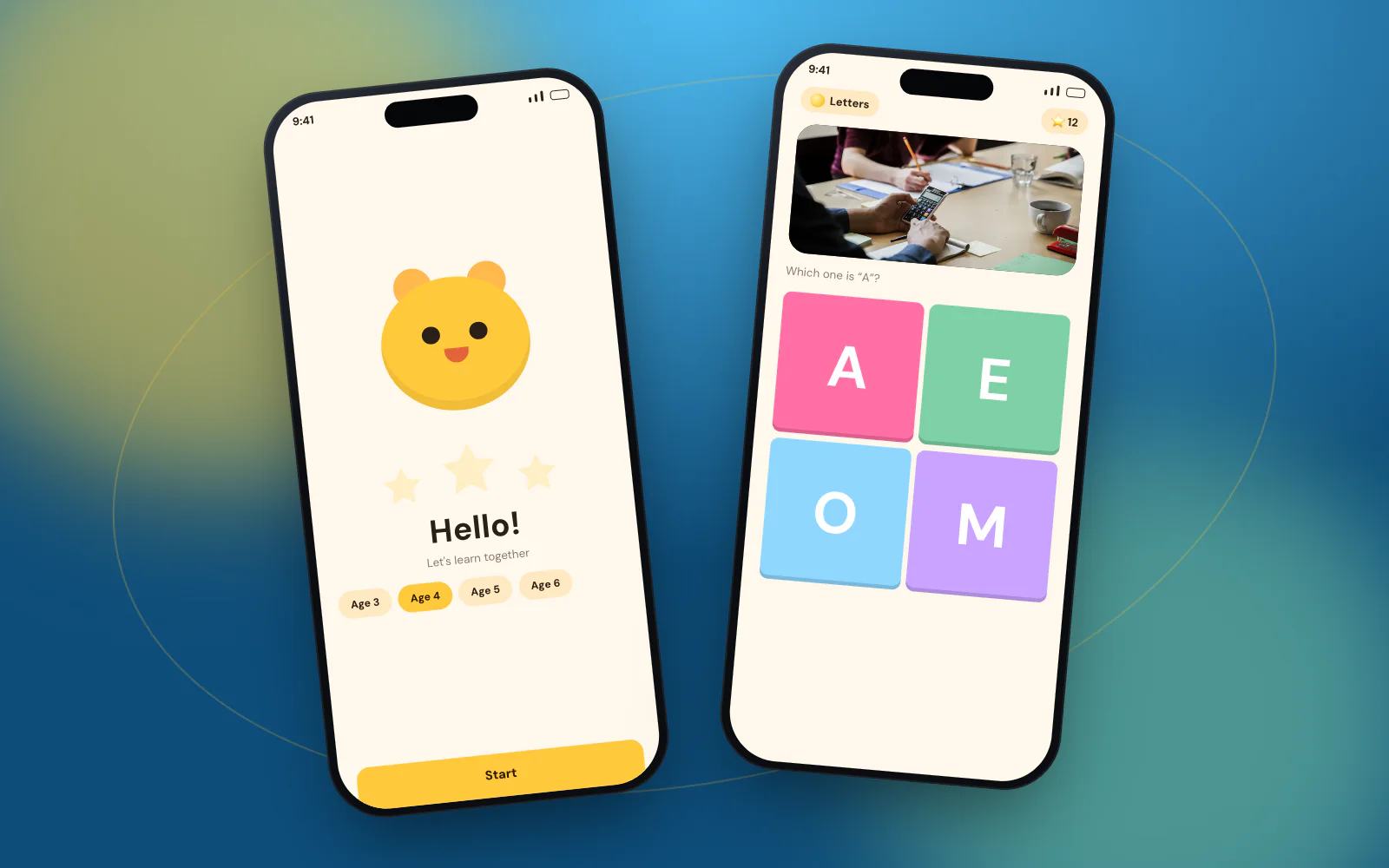
Game interface, learning flow, reward systemInterfaces for children follow completely different rules from adult apps: symbols instead of text for users who can't read yet, huge buttons instead of small targets, and one path instead of a complex menu. In this concept each screen carries a single task. A mascot greets the child, the game screen offers four large colourful choices, the progress bar fills with every correct answer, and the level ends with stars and stickers.
- Symbols and colour instead of text
- Targets sized for small fingers
- No ads, no in-app purchases
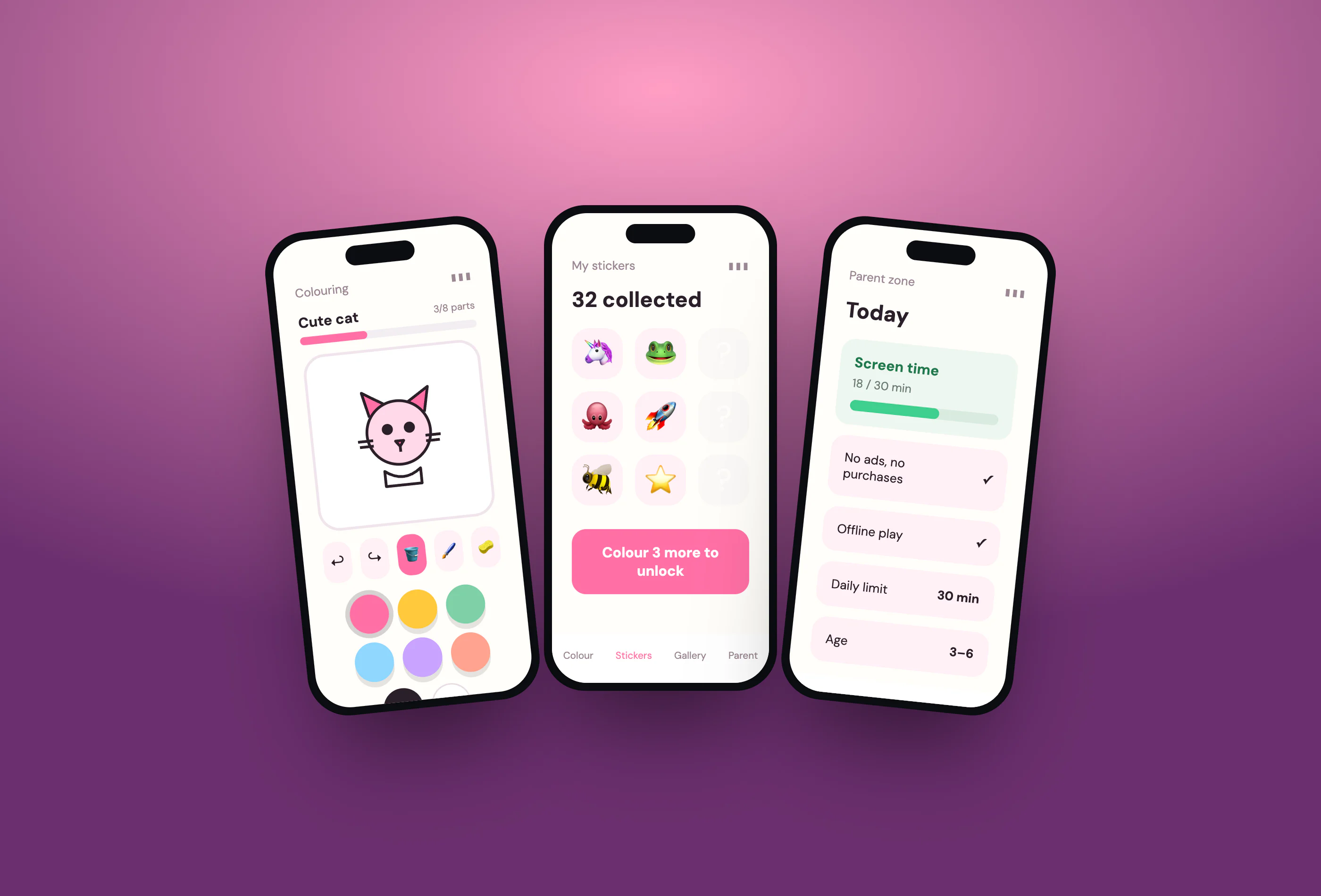
Kids Colouring Game
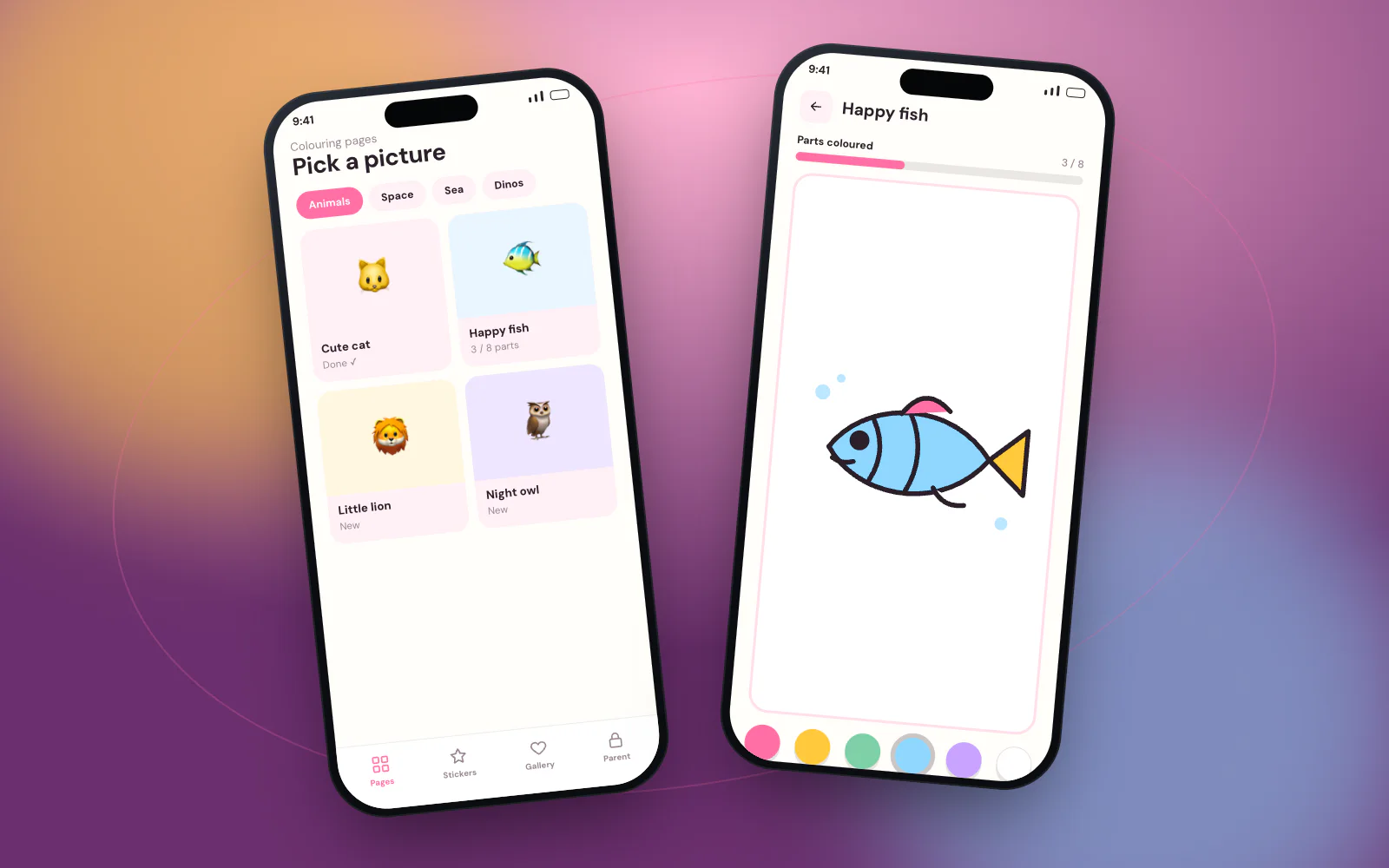
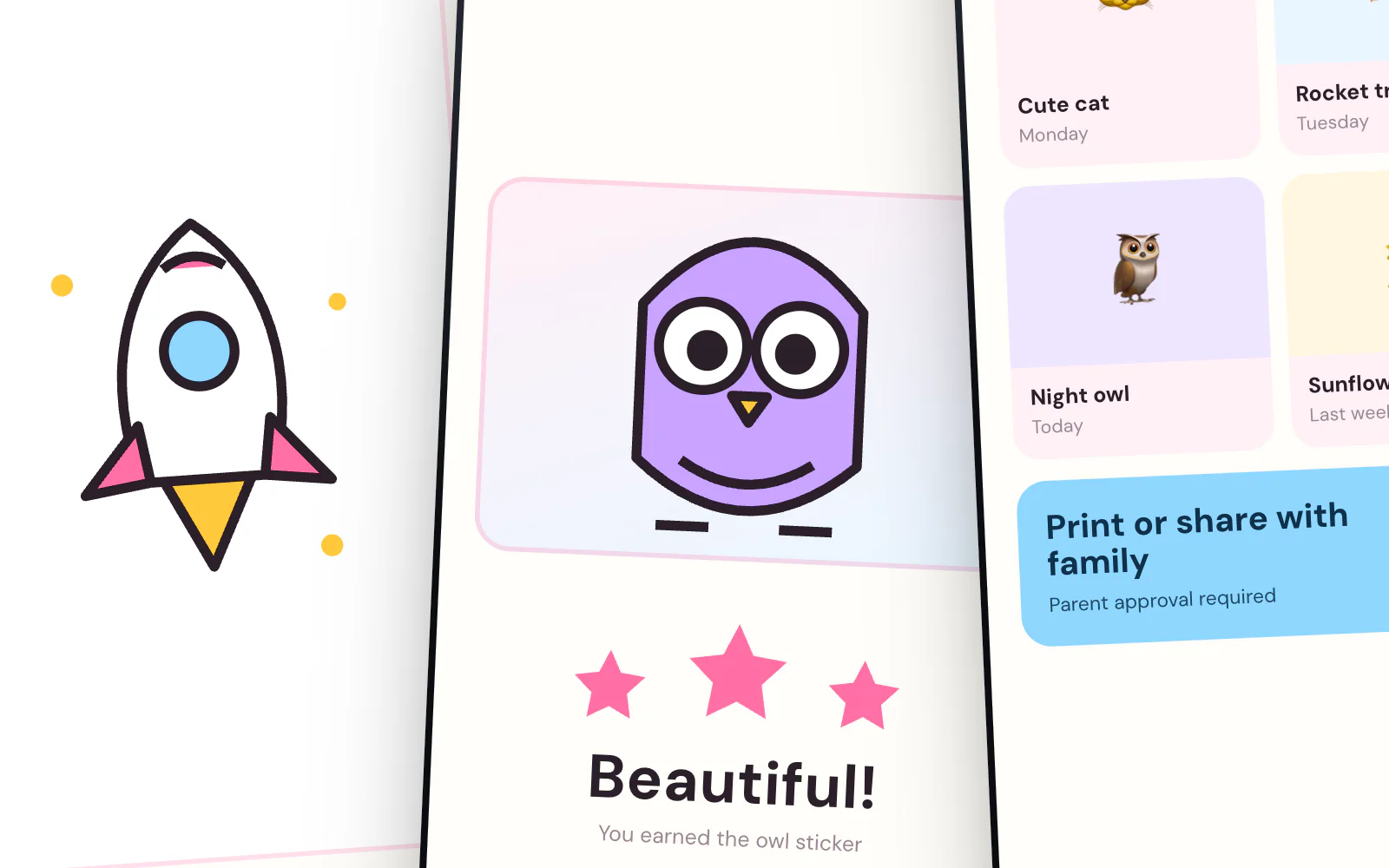
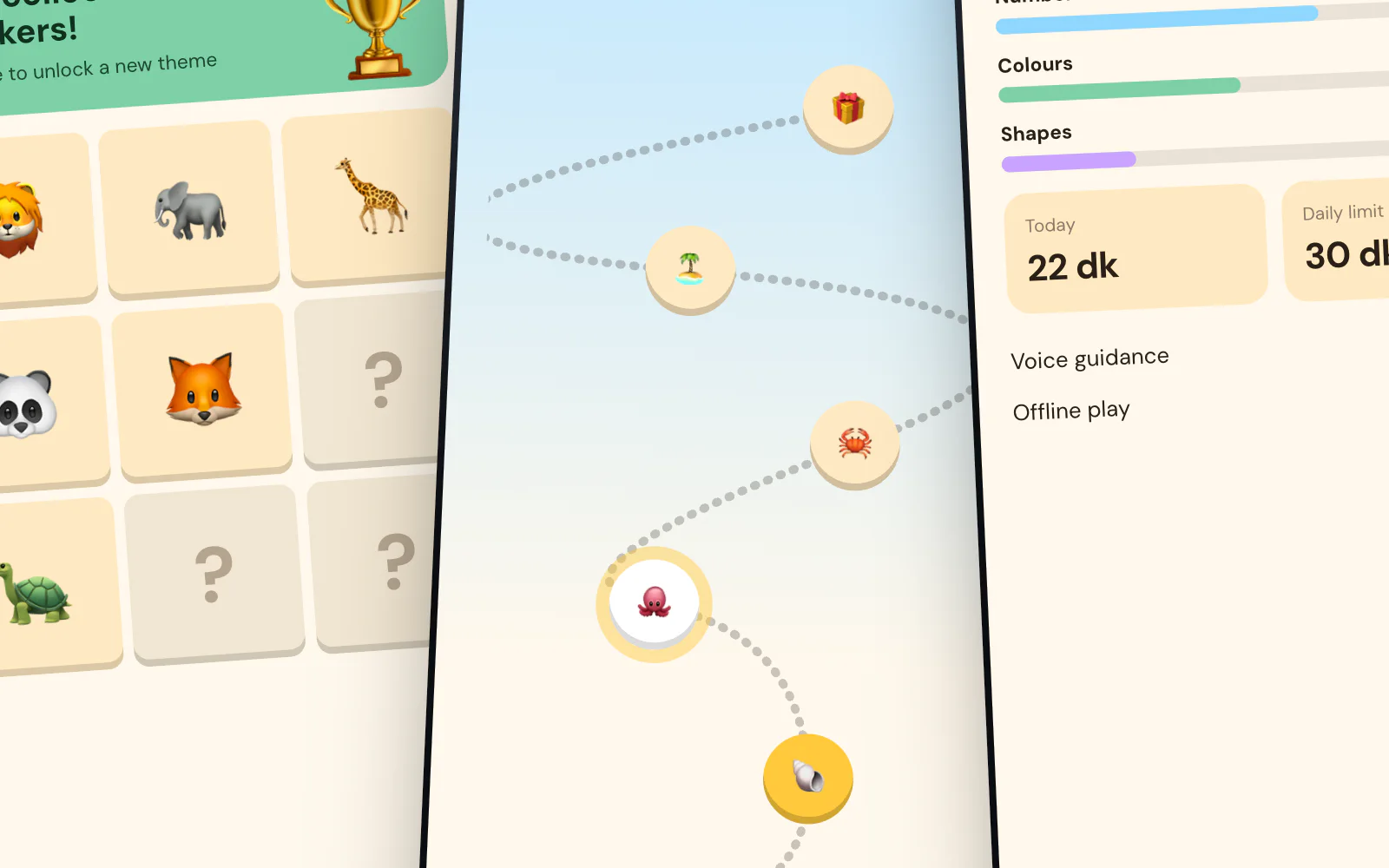
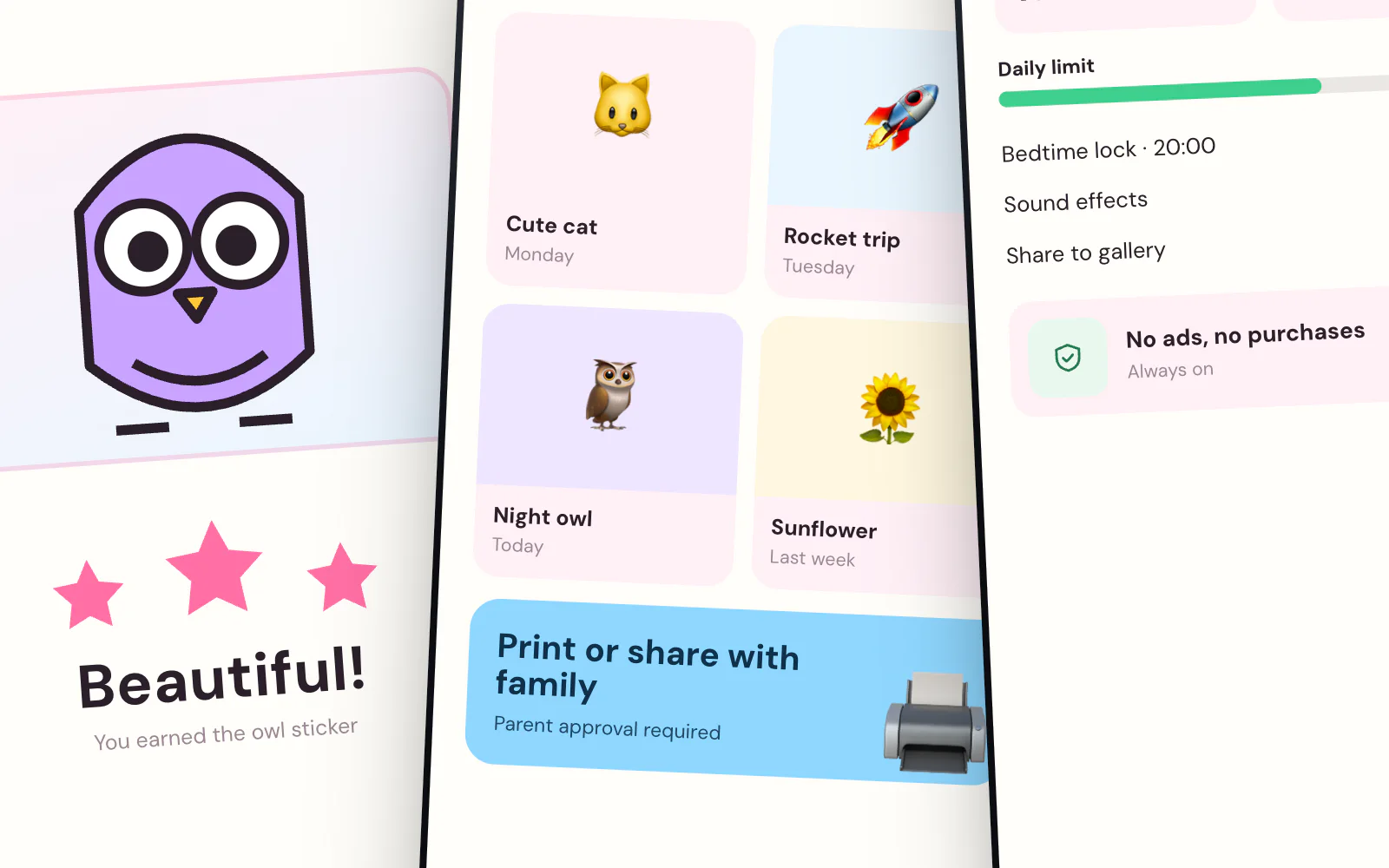
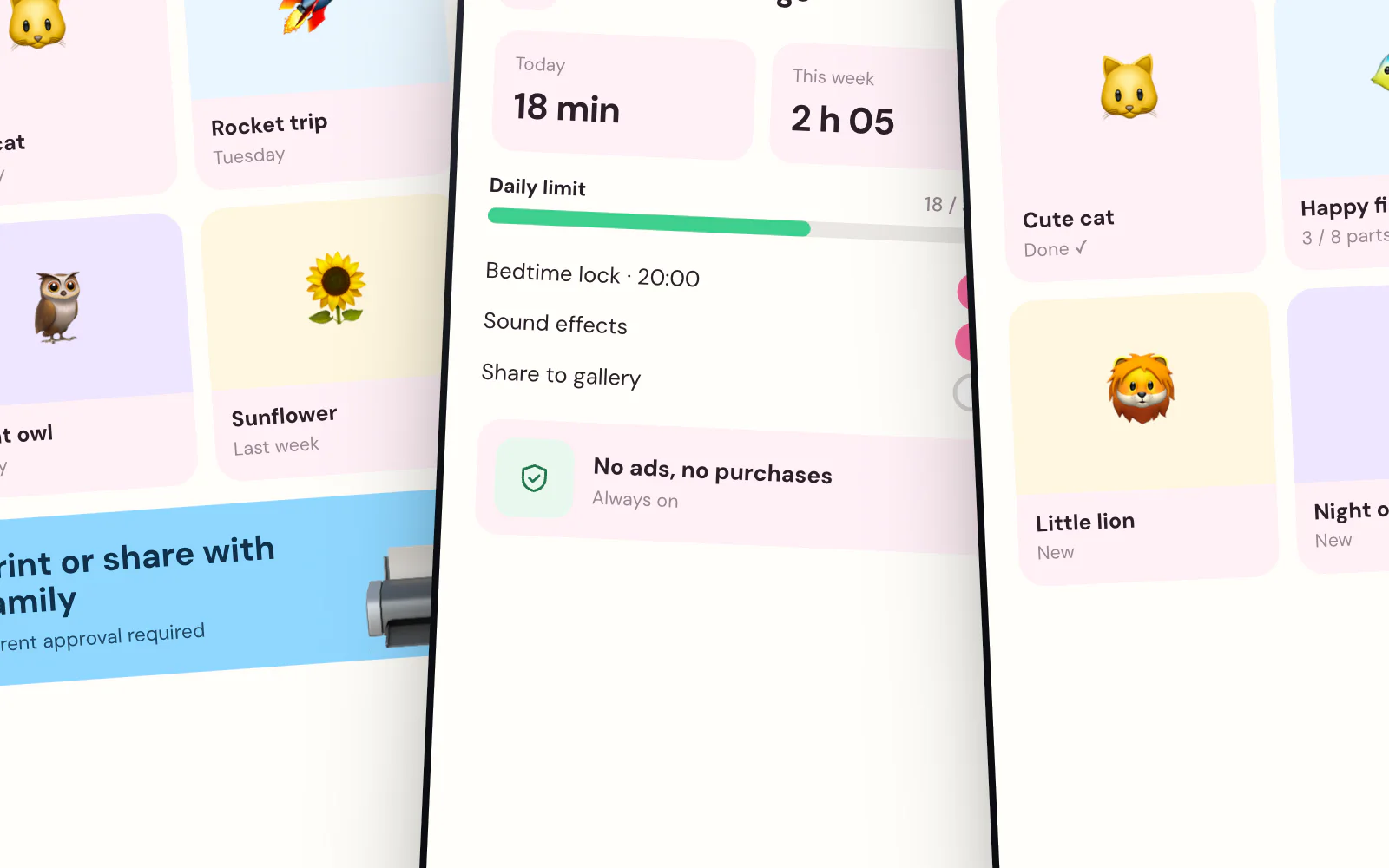
Colouring interaction, reward book, parent zoneA colouring game has two users: the child who colours and the parent who installs it. The design has to convince both. On the child's side there are large colour circles, thick outlines and collectible stickers. On the parent's side, a separate zone shows screen time, the promise of no ads and offline play.
- Large palette and thick outlines
- Collectible sticker book
- Screen-time limit and an ad-free build
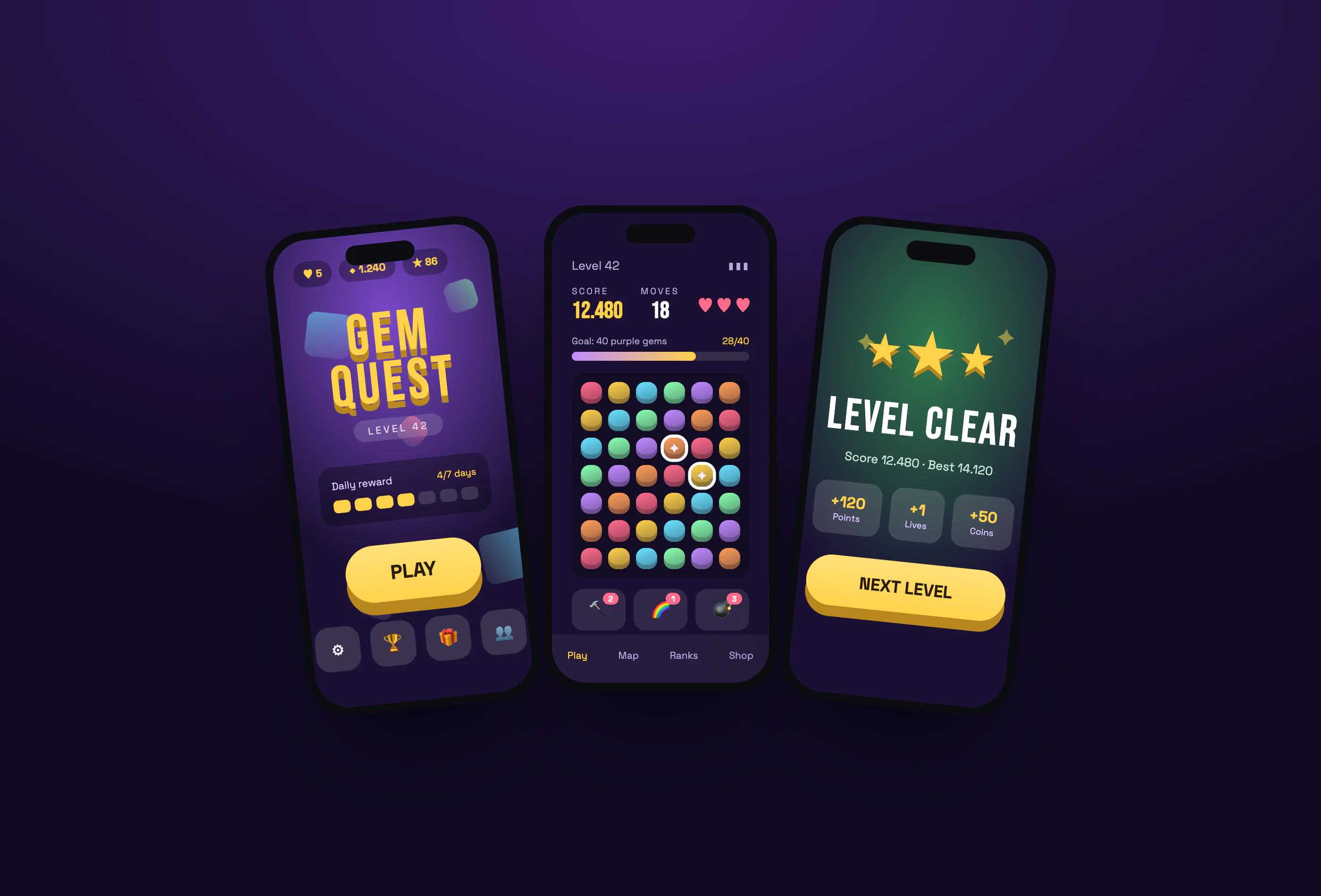
Mobile Puzzle Game
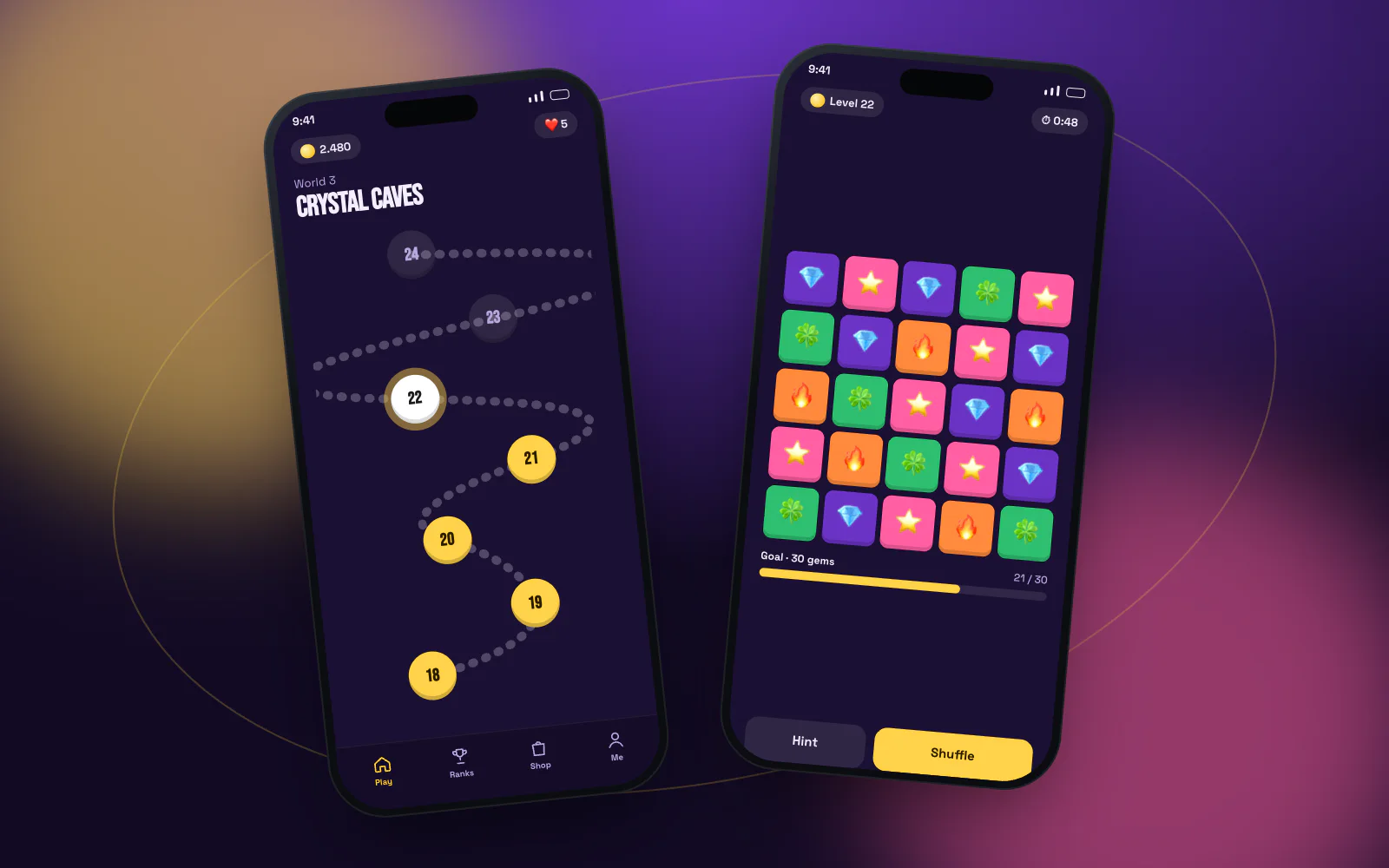
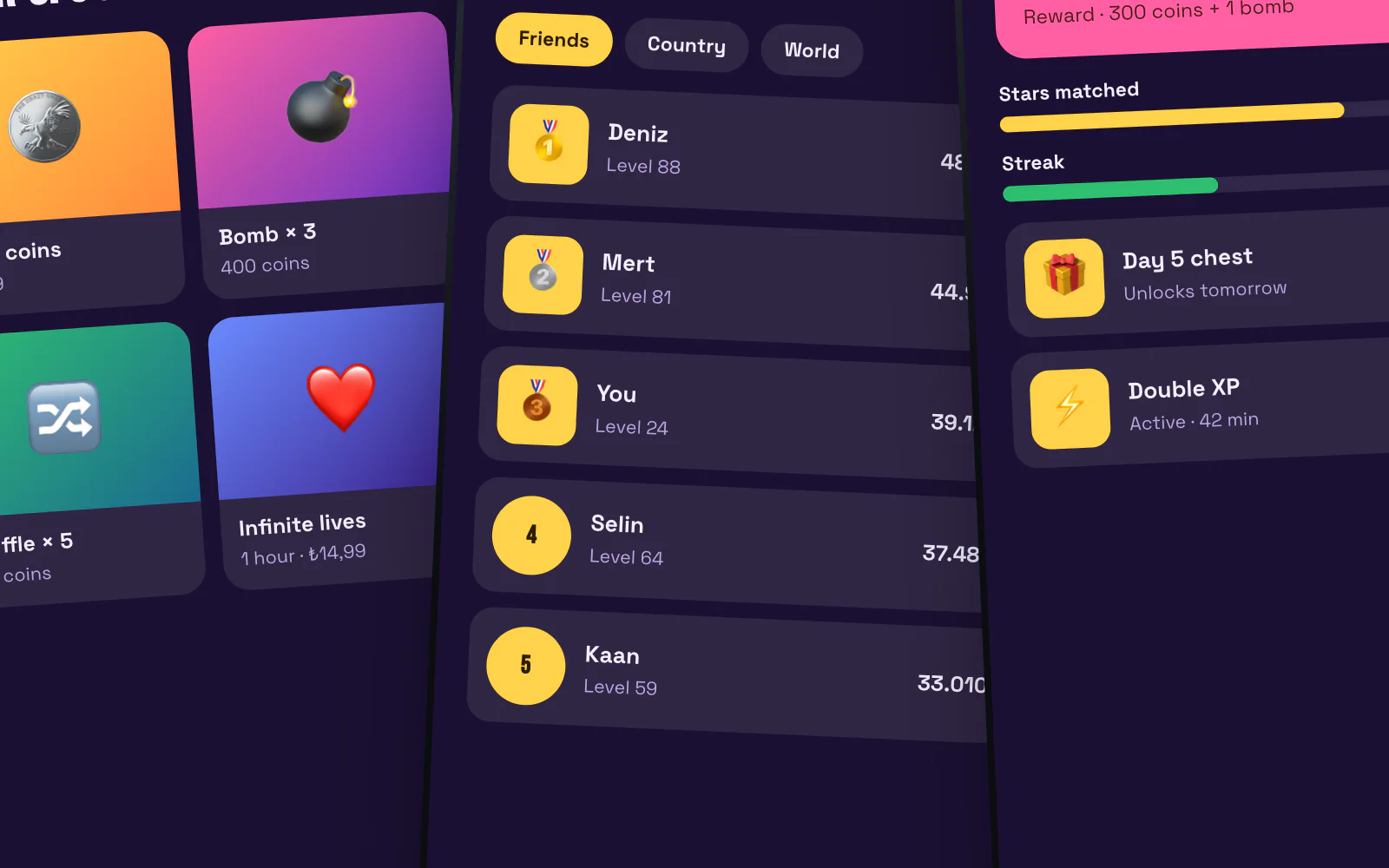
Game interface, level flow, reward screensIn a game interface everything serves one goal: getting the player to the board as fast as possible. The menu carries only a large logo, the level and a single play button. On the game screen, score and lives sit at the top with the board in the middle. The level-complete screen adds stars, a score comparison and a next-level button so the flow never breaks.
- One-tap entry into play
- Pieces that work for colour-blind players
- Level-complete reward screen
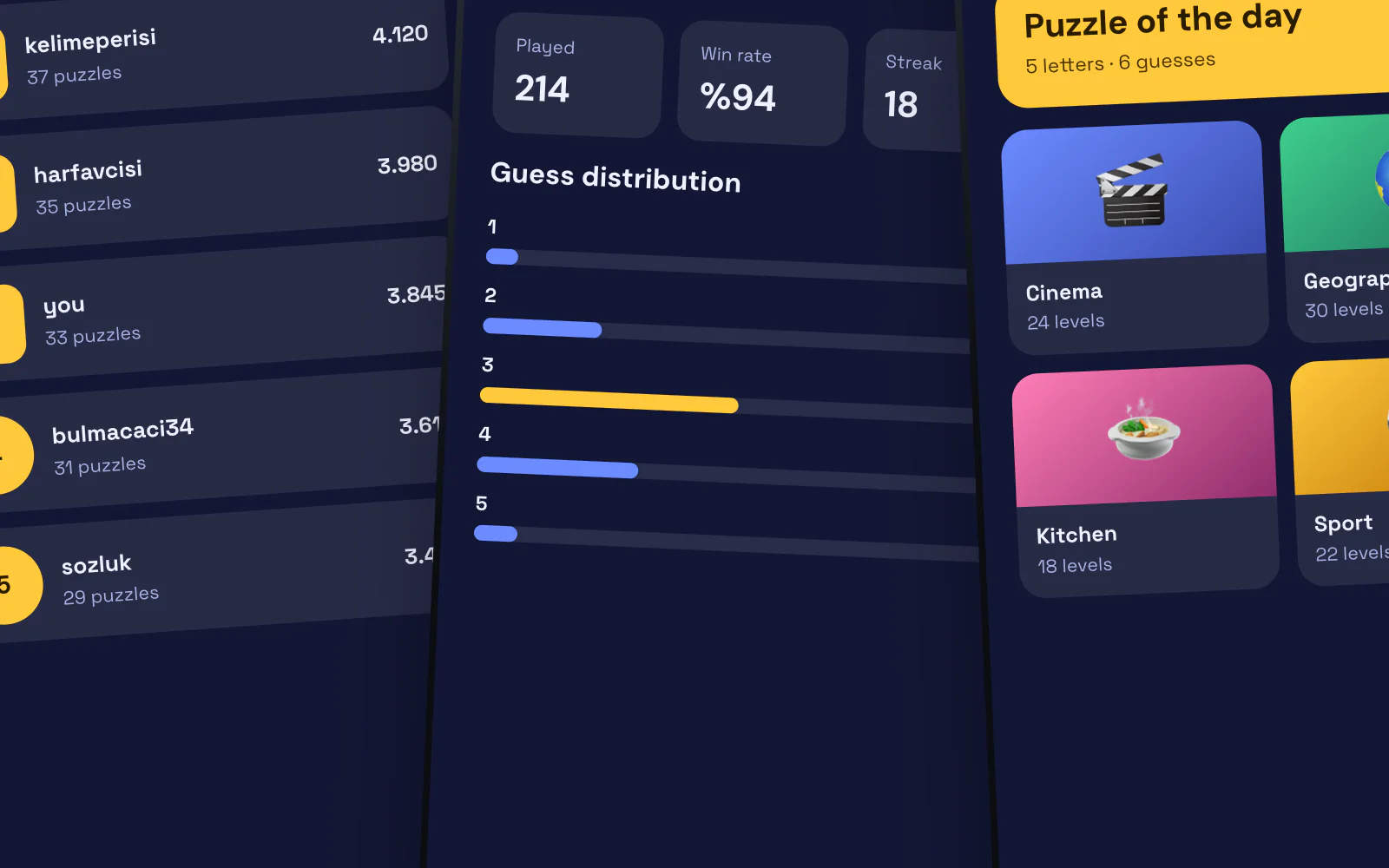
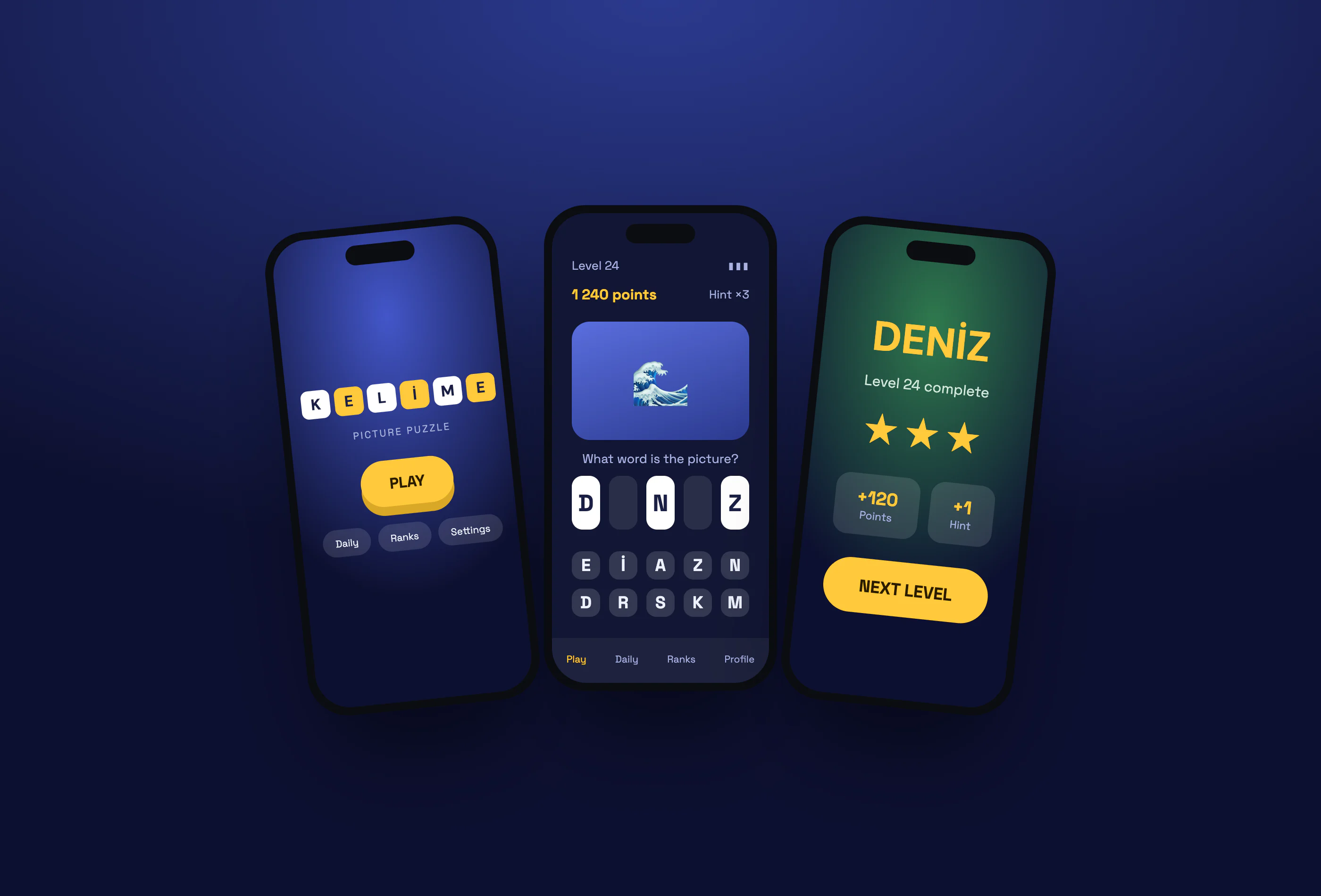
Kelime Oyunu
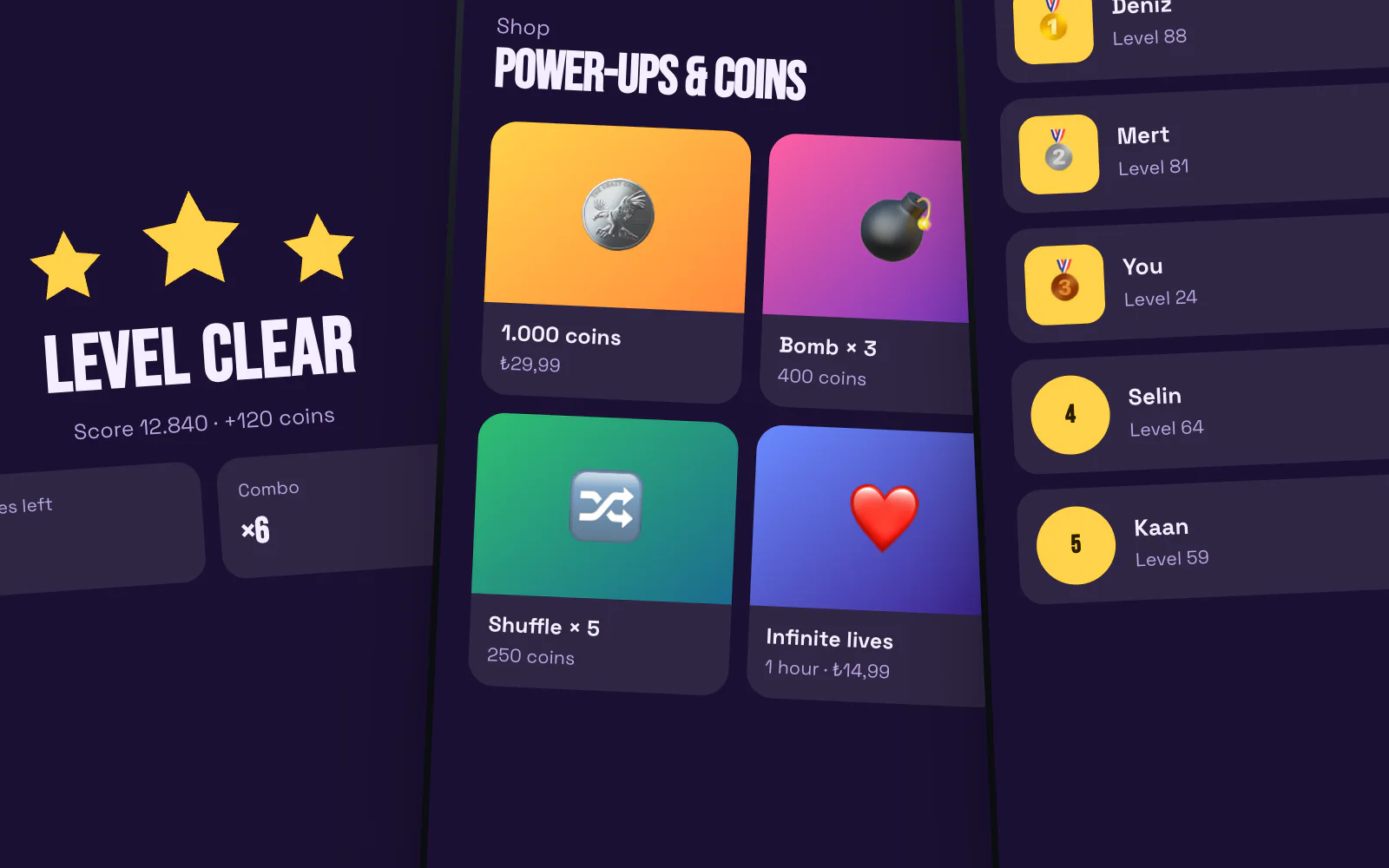
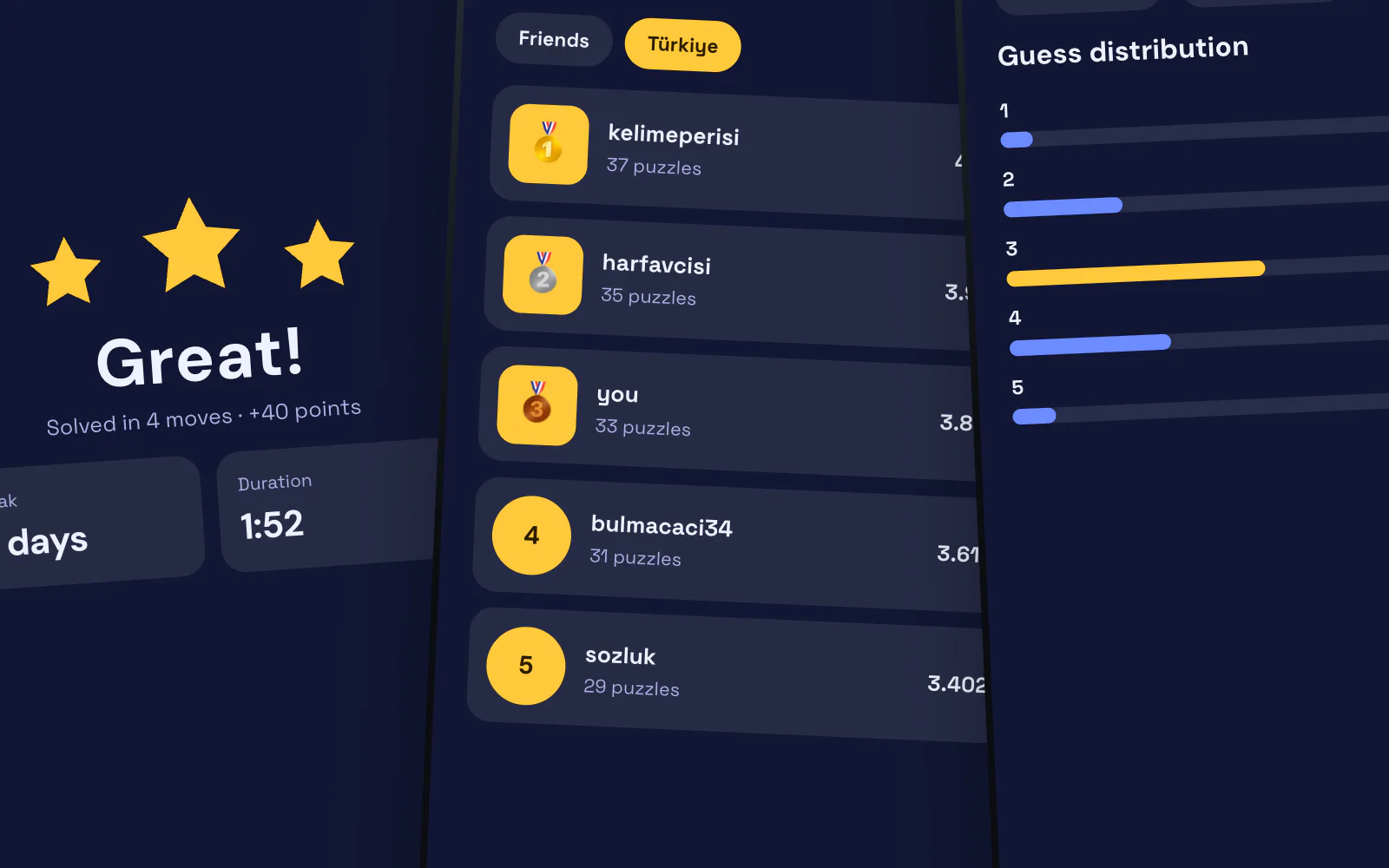
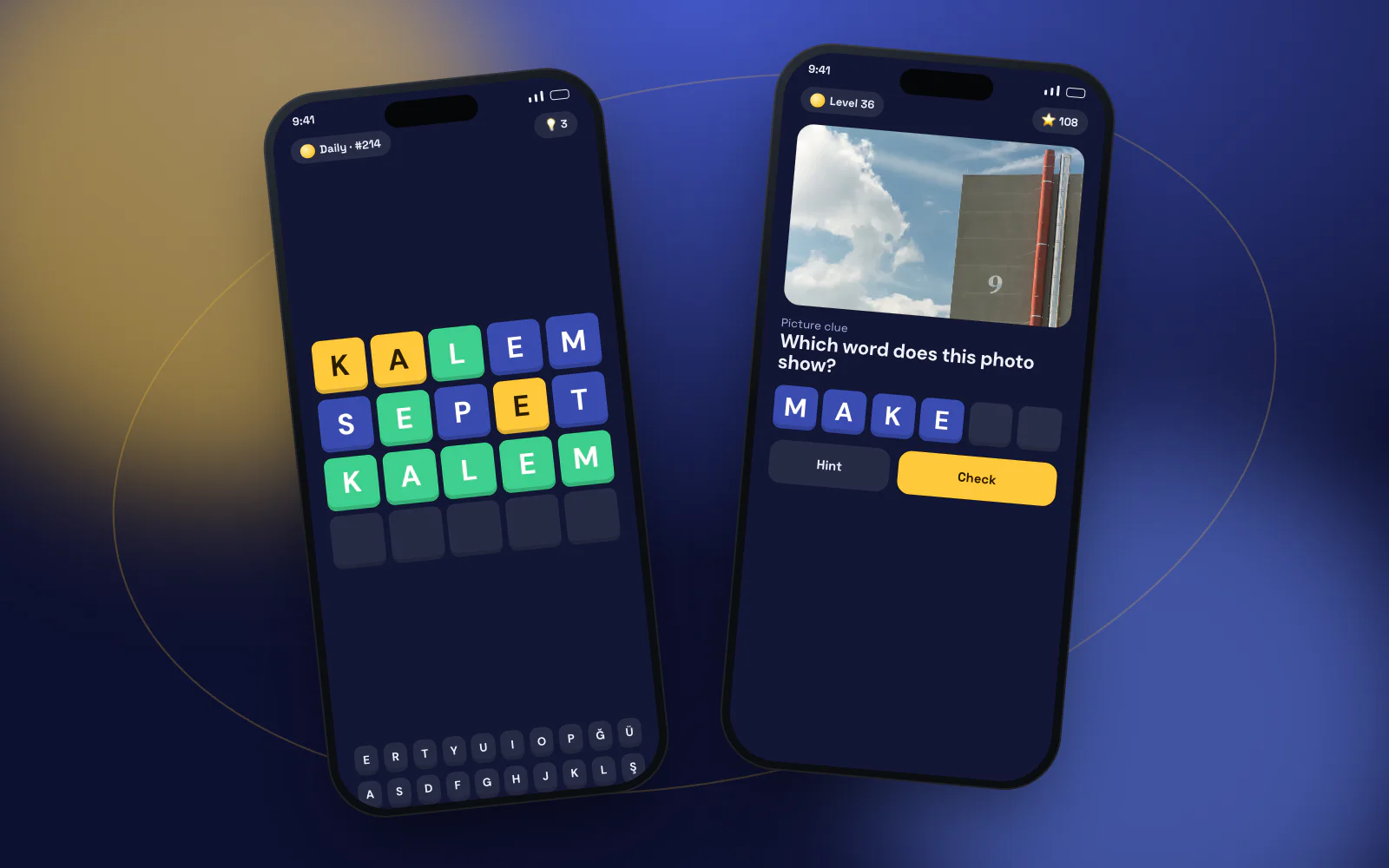
Game mechanics, interface design, progression systemWord games are a crowded genre; standing out means the mechanic itself needs an idea. We removed the text that describes the word and replaced it with a single image: the player reads the picture first, then the letters. Levels are kept short — each one fits into a coffee break. A hint economy, a daily level and a leaderboard were designed as three simple threads that bring players back the next day.
- Word puzzles with visual clues
- Hint economy and a daily level
- Short, break-sized levels
- Flutter
- Unity
- iOS + Android
- Offline play
- Parental controls
- Ad-free
More projects
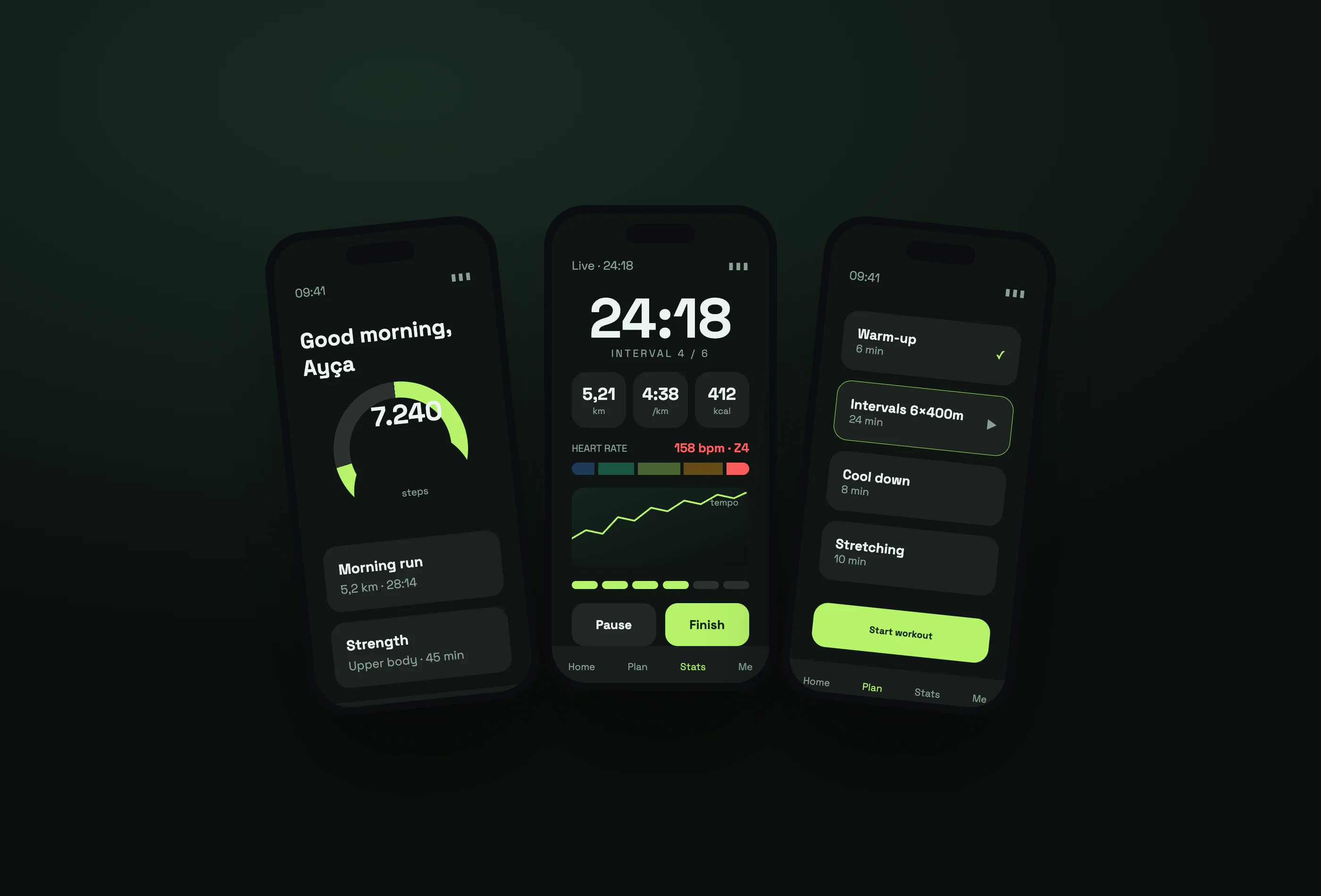
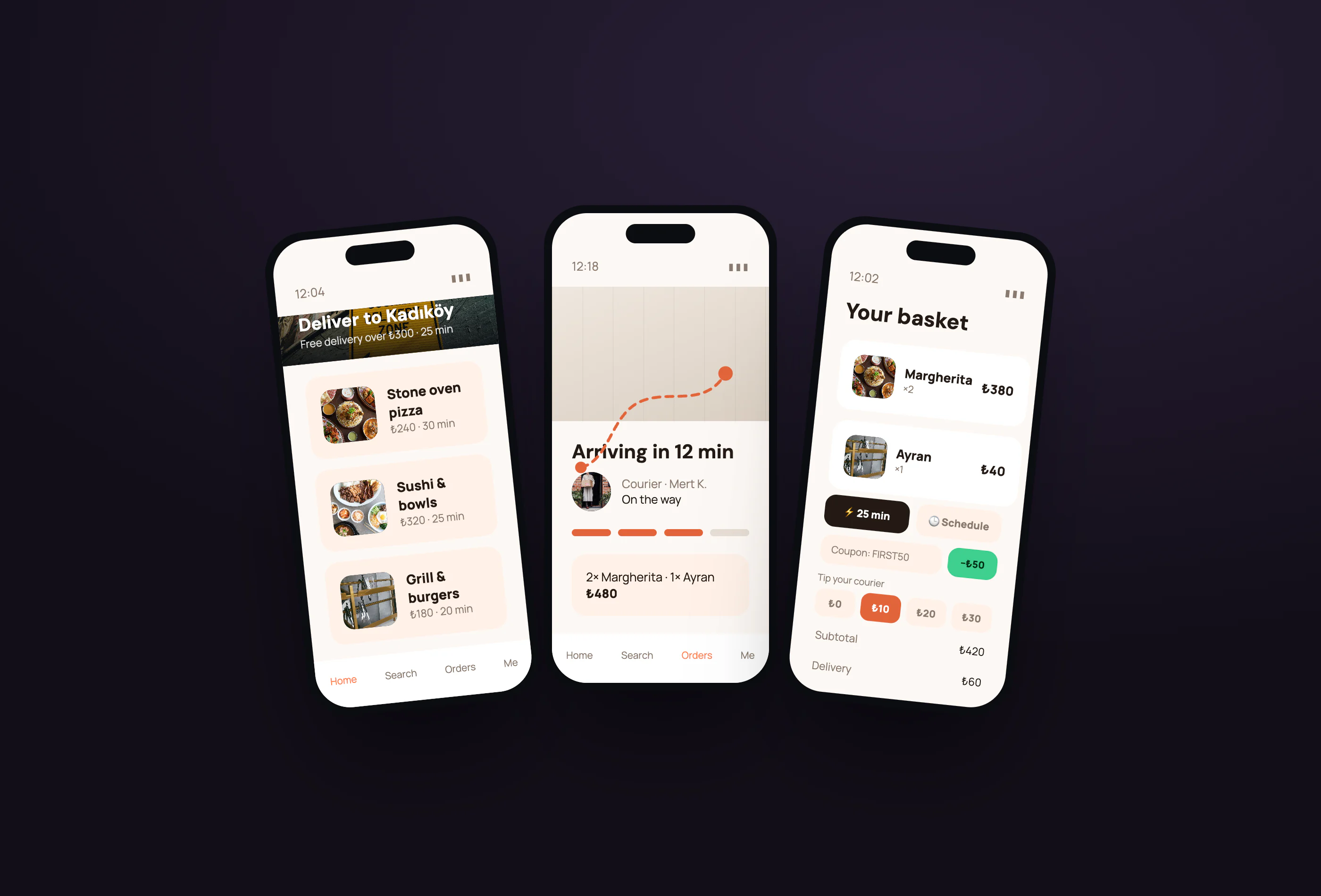
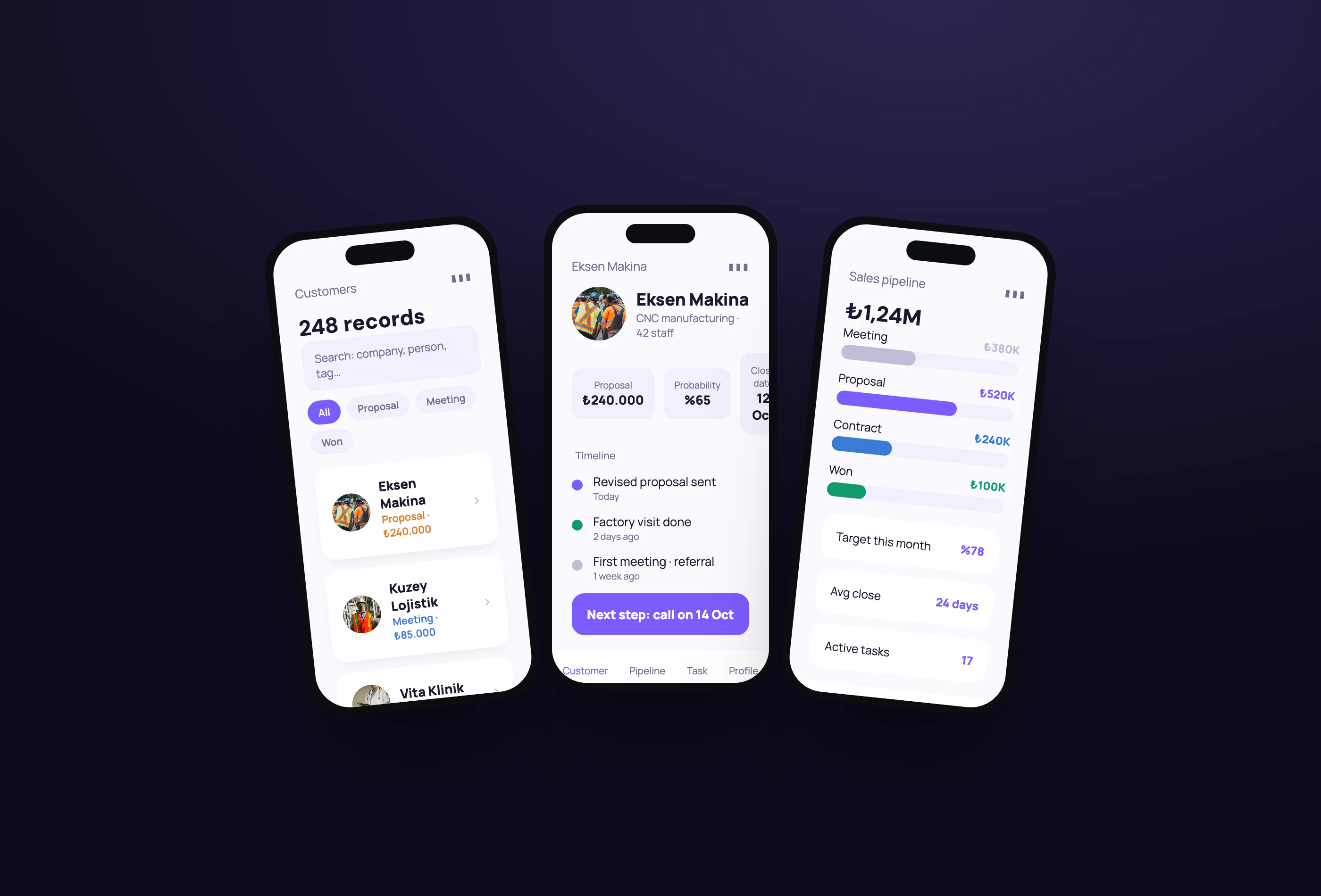
Have an idea or a project? Get in touch!
We're here. Tell us about your idea and we'll show you how to bring it to life — the first call and the quote are free.