A guide to fast websites: what are Core Web Vitals?
Core Web Vitals are the three metrics Google uses to measure page experience: LCP (time for the largest content to appear, good: under 2.5 s), INP (responsiveness to interactions, good: under 200 ms) and CLS (visual stability, good: under 0.1). The most effective fixes are image optimisation, font management and removing unnecessary scripts.
- LCP ≤ 2.5 s
- INP ≤ 200 ms
- CLS ≤ 0.1
- Values should be met for 75% of visits
What are Core Web Vitals?
Core Web Vitals are the three core metrics Google uses to measure the experience a web page gives users: loading speed, responsiveness and visual stability. They're part of Google's ranking signals and are reported in Search Console using real-user data.
| Metric | What it measures | Good | Poor |
|---|---|---|---|
| LCP (Largest Contentful Paint) | When the largest content on the page appears | ≤ 2.5 s | > 4 s |
| INP (Interaction to Next Paint) | How quickly the page responds to taps and clicks | ≤ 200 ms | > 500 ms |
| CLS (Cumulative Layout Shift) | How much the page shifts while loading | ≤ 0.1 | > 0.25 |
For a page to count as "good", these values need to be met for at least 75% of visits (current thresholds: web.dev · Core Web Vitals). INP replaced the older FID metric in March 2024.
Why does speed matter so much?
Speed matters for users and for business. On slow pages a significant share of visitors leave before the content loads; with paid traffic, that's budget spent for nothing. On the search side, page experience is one of the signals that separates pages of similar quality.
Why do websites get slow?
- Large, unoptimised images: downloading a 4,000-pixel image that's shown 400 pixels wide on a phone.
- Too many fonts: five or six font weights, each a separate file, loaded from an external font server.
- A pile of plugins and tracking tags: chat widgets, pixels and sliders added over time.
- Theme and page-builder code: hundreds of kilobytes of CSS and JavaScript you don't use.
- Images and ad slots without dimensions: the most common cause of CLS.
The 8 most effective fixes
- Convert images to WebP or AVIF and use
srcsetsized for the screen. - Prioritise the page's first image (
fetchpriority="high") and lazy-load the rest. - Give every image and video a width and height so nothing shifts.
- Self-host fonts and only load the weights and character sets you need.
- Remove unused plugins and tracking tags; defer the ones you keep.
- Give videos a poster image and play them only when they're visible.
- Enable compression and long-lived cache headers, and use a CDN where possible.
- Cut heavy JavaScript that slows interactions; don't load a library for simple tasks.
The advantage of hand-coded sites
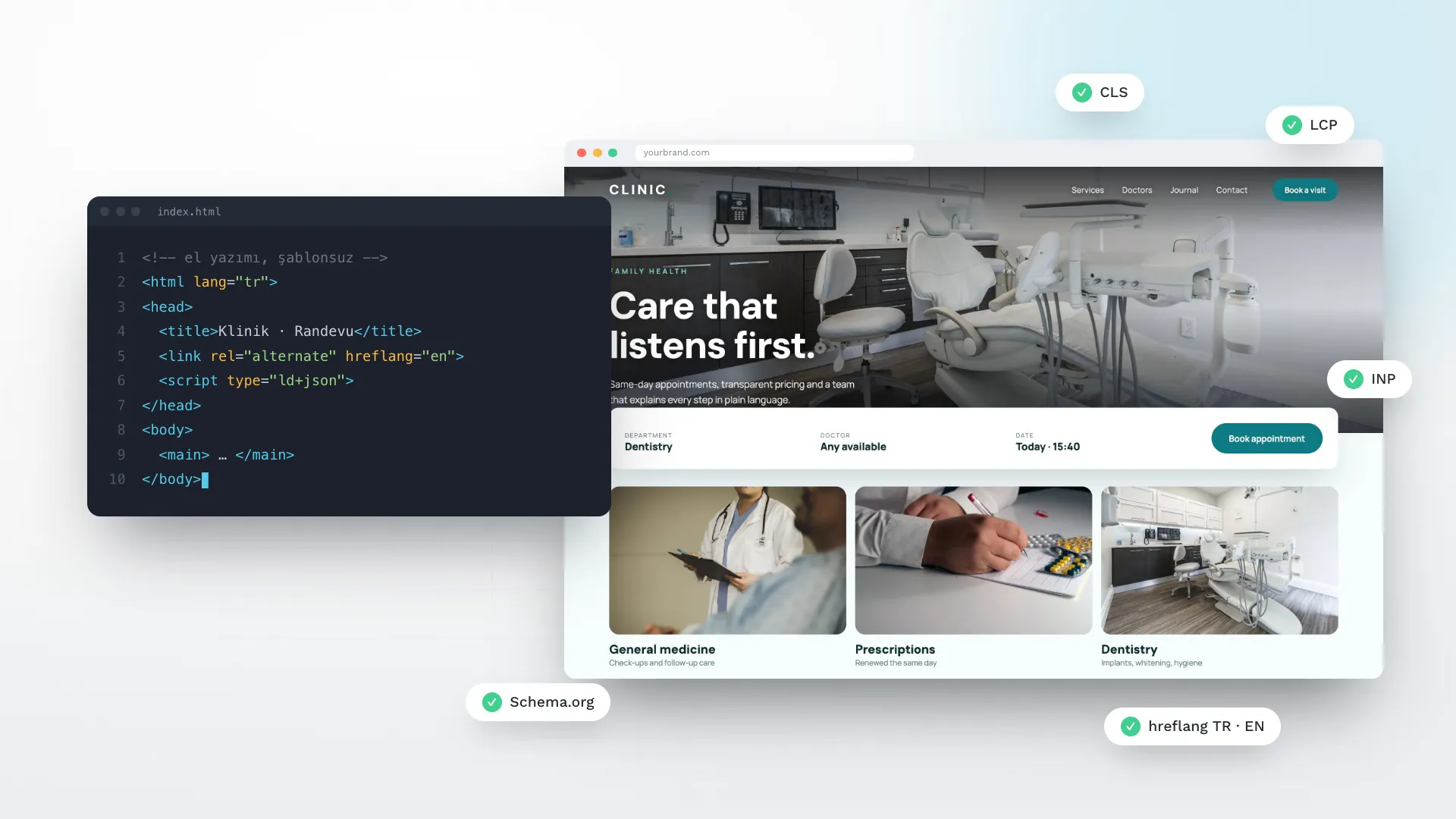
Sites built on off-the-shelf themes and page builders carry code for features you never use. On a hand-coded site each page ships only the CSS and JavaScript it needs. This very site was built that way: one CSS file, one small JavaScript file, self-hosted fonts and videos that play only when visible.
How do I measure it?
Use the Core Web Vitals report in Google Search Console for real-user data, and PageSpeed Insights for single-page tests. Lab measurements (Lighthouse) are for finding problems; real-user data is for judging the result.
Frequently asked questions
Does my PageSpeed score need to be 100?
No. The score is a lab estimate; the real goal is for all three Core Web Vitals to be in the "good" range in real-user data.
Will switching hosts speed up my site?
If server response time is slow, yes — but on most sites the real weight is images, fonts and scripts. Measure first, then decide.
Can Core Web Vitals be improved on WordPress?
Yes. Plugin cleanup, image conversion and caching can make a clear difference.