Mobile apps: native or Flutter?
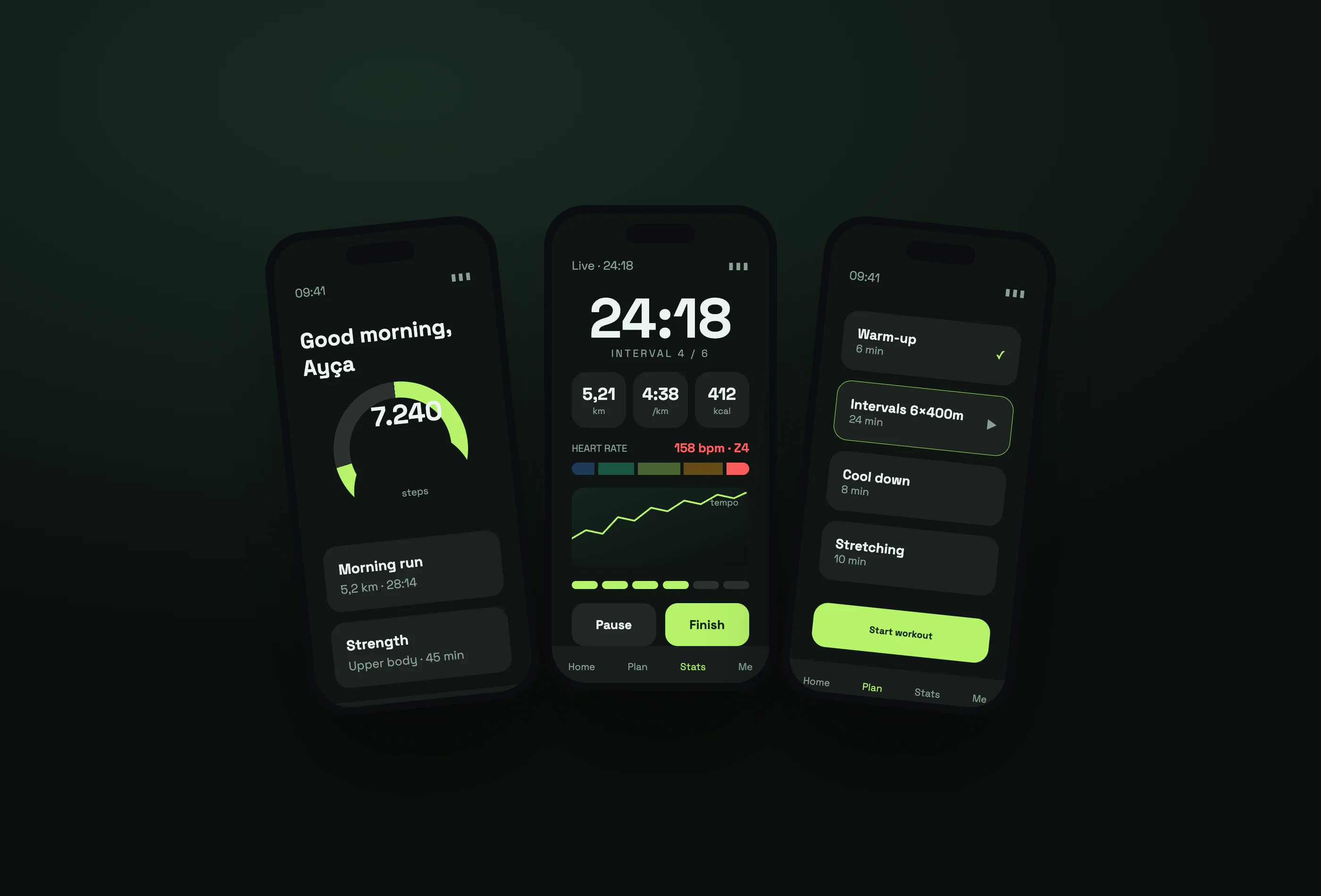
Native means writing separately in Swift for iOS and Kotlin for Android: best performance and earliest access to platform features, at the cost of two teams or twice the time. Flutter (Google) and React Native (Meta) ship both platforms from one codebase and are enough for most business, panel and content apps. Heavy graphics, camera or audio processing and deep system integration push you towards native. In our studio most apps are built with Flutter.
- The decision follows the team and the requirement, not fashion
- One codebase halves recurring maintenance
- Store rules reject apps that merely wrap a website
- An app lives much longer than its first release
The options
- Native: Swift/SwiftUI for iOS, Kotlin/Jetpack Compose for Android — two codebases.
- Flutter: Google's open-source UI toolkit written in Dart, shipping iOS, Android and desktop from one codebase (flutter.dev).
- React Native: Meta's framework, a natural fit for teams who already know JavaScript and React (reactnative.dev).
- PWA: a website that behaves like an app. No store needed, but hardware access is limited.
Which fits what?
| Need | Best fit |
|---|---|
| Forms, lists, dashboards, orders, field work | Flutter / React Native |
| Heavy camera, AR, real-time audio or video | Native |
| Content only, tight budget | PWA |
| Using a brand-new platform feature on day one | Native |
Where the cost accumulates
The first release is the visible part of the iceberg. The real cost is two stores' annual rule changes, OS updates, device variety and support requests. One codebase removes roughly half of that recurring cost — in exchange, platform-specific behaviour needs bridge code.
Store rules
Apple's App Store Review Guidelines reject apps that only package a website under the "minimum functionality" heading. So "let's turn our site into an app" does not survive review unless the app adds value of its own: notifications, offline use, camera/QR, device features.
What we do
We wrote the employee app of our own product xPersonel in Flutter: QR scanning, location verification, notifications and offline records all live in one codebase. The manager side stays on the web dashboard, so the mobile scope was deliberately kept narrow — one of the most useful decisions in any mobile project: don't move every screen onto the phone.
The right question isn't "which technology is better" but "who will maintain this app for the next two years".
Sources
Frequently asked questions
Are Flutter apps slow?
No. In business, dashboard and content apps users can't tell the difference. It shows in heavy graphics and real-time media.
Is one codebase enough for both stores?
The code is one, but store accounts, screenshots, privacy forms and review processes stay separate.
Can we turn our website into an app?
Wrapping alone fails review. The app needs its own value, such as notifications or offline use.
Does cost stop after launch?
No. OS updates and store rule changes require maintenance a few times a year.