
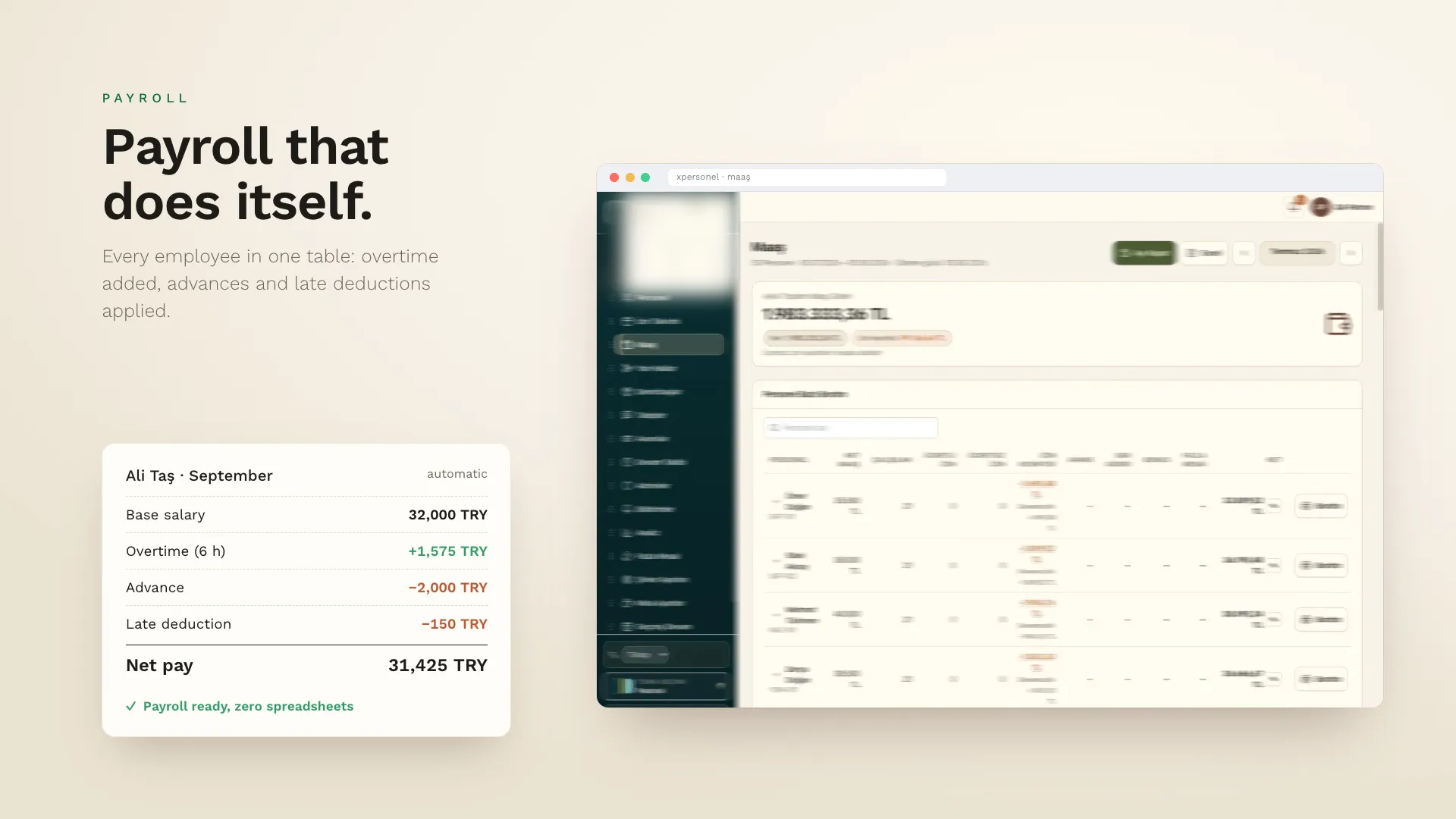
Month-end now takes minutes.
Collecting attendance records, leave, overtime and advances at month-end and calculating pay in a spreadsheet takes time and invites mistakes. Because xPersonel already holds this data, it prepares the payroll draft on its own.
Managers review the draft, correct it if needed and close the period. Employees see their own pay details in the app, which means fewer "why was this deducted?" questions.
xPersonel's pay calculation module combines attendance, overtime, leave, advances and late deductions into a draft for each period. Managers review and approve it, and employees see their own pay details in the app. It is a pay calculation, not a replacement for official payroll or tax filings.
- Automatic payroll drafts
- Overtime and advance integration
- Lateness and absence deductions
- A transparent pay screen for employees
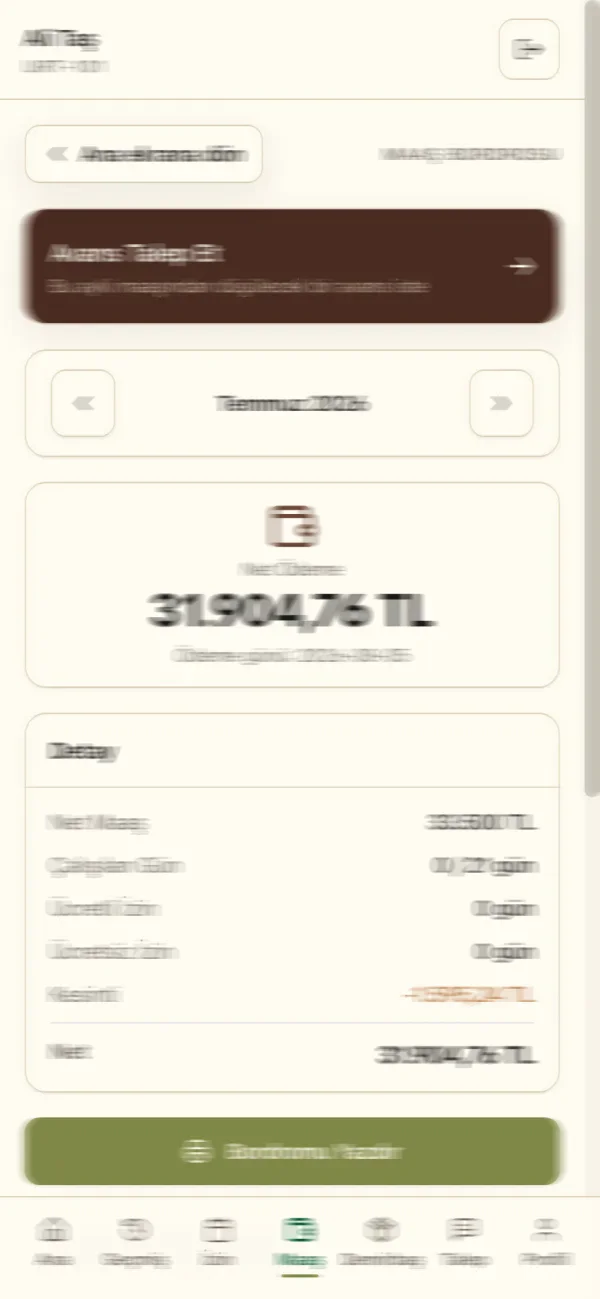
The draft is ready — you approve
Transparent, line by lineFor every employee, contracted monthly pay, overtime, leave, advances and deductions appear on separate lines; the result is a pay calculation, not an official payroll. Corrections are made with notes, and closing a period locks the record.
- Payroll list by period
- Line-by-line calculation details
- Excel / PDF export
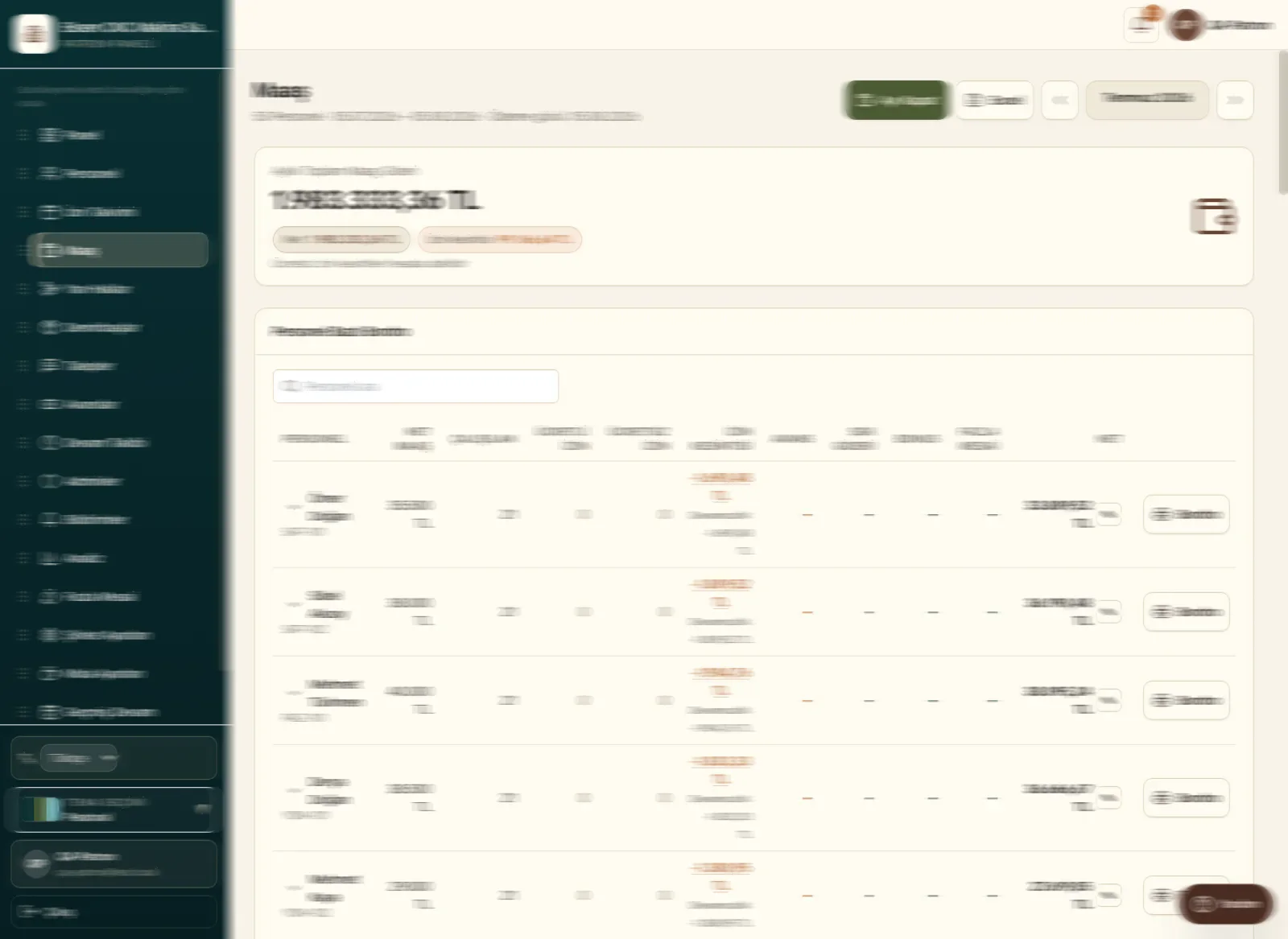
Staff who understand their pay
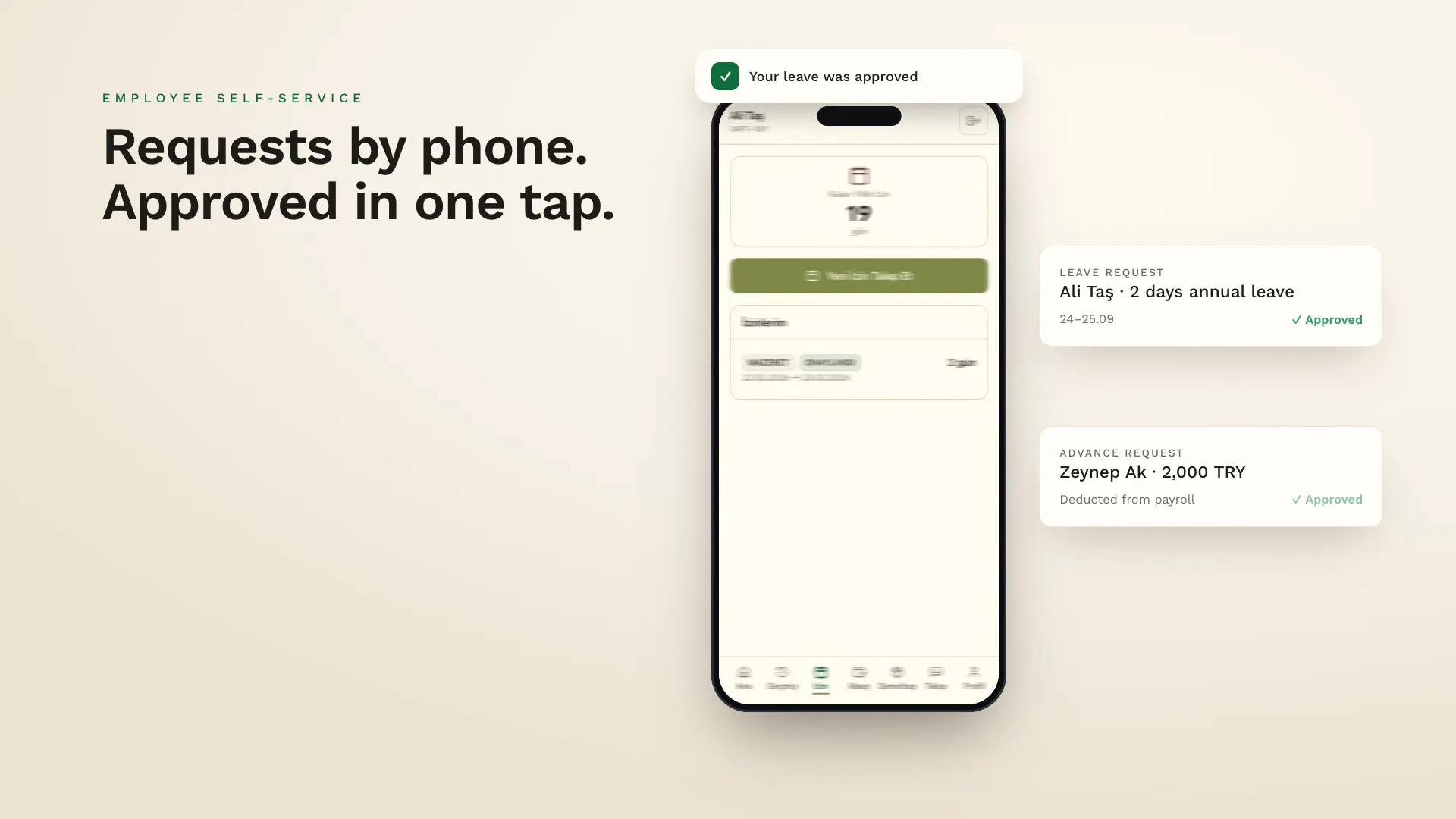
Transparency builds trustIn the app, employees see the next payday, days worked, leave and deductions. They can request an advance from the same screen.
- Payday reminders
- Monthly pay details
- Advance requests and tracking
Frequently asked questions
Does xPersonel replace official payroll software?
xPersonel prepares a payroll draft automatically from attendance and your business rules. For official payroll, social security filings and tax, data can be exported to the software your accountant uses.
How is overtime pay calculated?
According to your overtime rule: assigned or approved overtime hours are added to pay with the rate multiplier you set.
How are advances deducted?
Approved advances are deducted from pay automatically in the period you choose and appear as a separate line in the employee's pay details.
See xPersonel in your business.
We'll prepare a live demo based on your team's size and working pattern.
Request a demo