How does QR code and GPS employee attendance work?
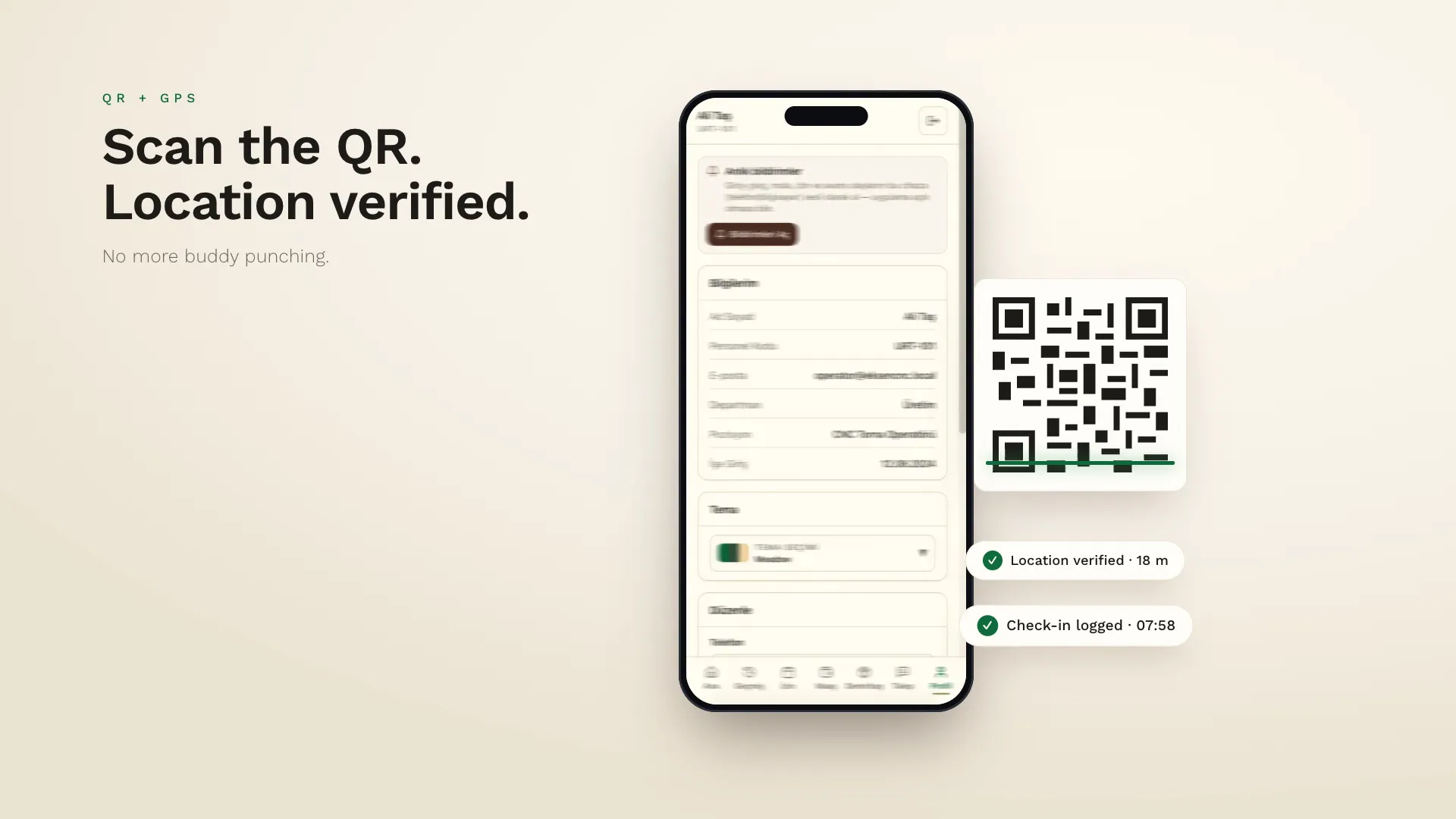
With QR + GPS attendance, staff scan the workplace QR code with their own phone; the app verifies their location at the same time and the check-in or check-out is logged. There's no dedicated card reader or fingerprint device to buy, fake check-ins become harder and the data can be combined with leave, overtime and pay. Location data should be processed only at check-in and check-out, with proper notice under data protection law.
- No card reader or fingerprint device needed
- Makes buddy punching harder
- Data can connect straight to payroll
- Data protection: notice and proportionality
What is QR + GPS attendance tracking?
QR + GPS attendance tracking is a time-and-attendance method that records an employee's check-in and check-out when they scan a QR code placed at the workplace with their own smartphone and the phone's location matches the workplace. It replaces traditional card readers and fingerprint devices.
How does it work?
- A QR code for the workplace is created in the manager's dashboard and put up at the entrance; the workplace location is marked on a map.
- The employee taps the check-in button in the mobile app; the camera opens and the QR is scanned.
- The app takes the current location and checks the distance to the workplace.
- If the conditions are met, the check-in is logged with a timestamp and appears instantly on the manager's dashboard.
- The record feeds into lateness, early-departure and overtime calculations based on shift rules.
Advantages over cards and fingerprint devices
| Card / fingerprint device | QR + GPS | |
|---|---|---|
| Hardware | A device at every entry point | A printed QR code |
| Field teams | Not suitable | A QR can be set up anywhere |
| Buddy punching | Possible with cards | Harder with phone + location |
| Data flow | Usually needs an export | Instantly on the dashboard |
| Employee access | Can't see their own record | Sees it in the app |
What about data protection?
Location and attendance information is personal data. In Türkiye its processing falls under Law No. 6698 on the Protection of Personal Data (KVKK); similar rules apply under GDPR in Europe. This article isn't legal advice — we recommend consulting a lawyer about your own situation. The general principles to follow are:
- Notice: staff should be told which data is processed, why and for how long.
- Proportionality: location should be taken only at check-in and check-out to confirm presence at the workplace — not tracked continuously.
- Access control: only authorised managers should access the data, and each employee should see only their own record.
- Retention: records should be kept for as long as the law requires, then deleted or anonymised.
Which businesses is it right for?
It suits any business whose staff are physically present at a workplace: retailers with several branches, production workshops, restaurants, construction and field teams, cleaning and security companies. For fully remote teams, other methods such as task-based tracking make more sense.
We use this method in our own product, xPersonel, where check-in data combines with leave, shifts, overtime and payroll in one system.
Frequently asked questions
What if an employee doesn't have a phone?
A tablet at the workplace can be used as a shared device, or a manager can record the check-in manually with a note.
Can GPS be inaccurate?
Indoors there can be some drift, so a reasonable radius is set around the workplace and suspicious check-ins are flagged for the manager.
Do employees need to consent?
There's a notice obligation for processing personal data; which legal basis applies and whether explicit consent is needed should be assessed with your legal adviser.